Every DevOps and security team hits the same wall eventually. You need a diagram for the runbook, a header image for the wiki, a poster for the phishing awareness campaign, or slides that do not look like they were thrown together in five minutes. Nobody on the team is a designer, and hiring one for a one-off graphic is overkill. That is the gap Midjourney fills, and in 2026 it is easier to pick up than ever.
This is not a “how to make pretty art” post. It is a practical guide to using Midjourney like a tool in your stack, the same way you would treat Terraform or a linter. Setup, a mindset shift, seven workflows worth stealing, the gotchas that matter for technical teams, and cost tips so you do not burn your GPU hours on throwaway iterations.
What Midjourney Is in 2026
Midjourney is a subscription image and video generation tool. Type a text prompt, sometimes with a reference image attached, and it renders a set of options in seconds to minutes depending on your mode. The default model is V8.1, roughly four to five times faster than earlier versions, and it outputs HD images at 2K resolution without a separate upscale step. V7 is still available for specific features like Omni Reference, covered below.
The big shift for 2026: you no longer need Discord. Generation, editing, organizing, and settings all live at midjourney.com. Discord still works if your team already lives there, but the web app is cleaner and gets new features first.
Quick Setup
- Create an account. Go to midjourney.com and log in with Google or Discord.
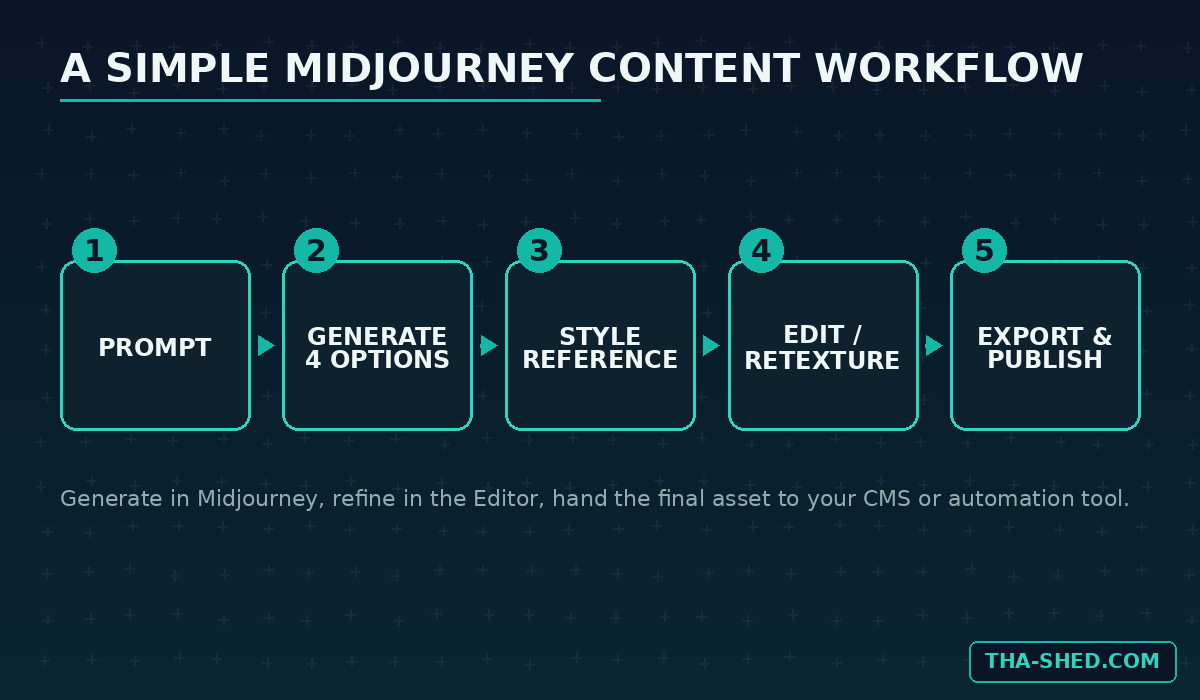
- Pick a plan. There is no free tier, that ended back in 2023. Four tiers to choose from, covered in the cost section below.
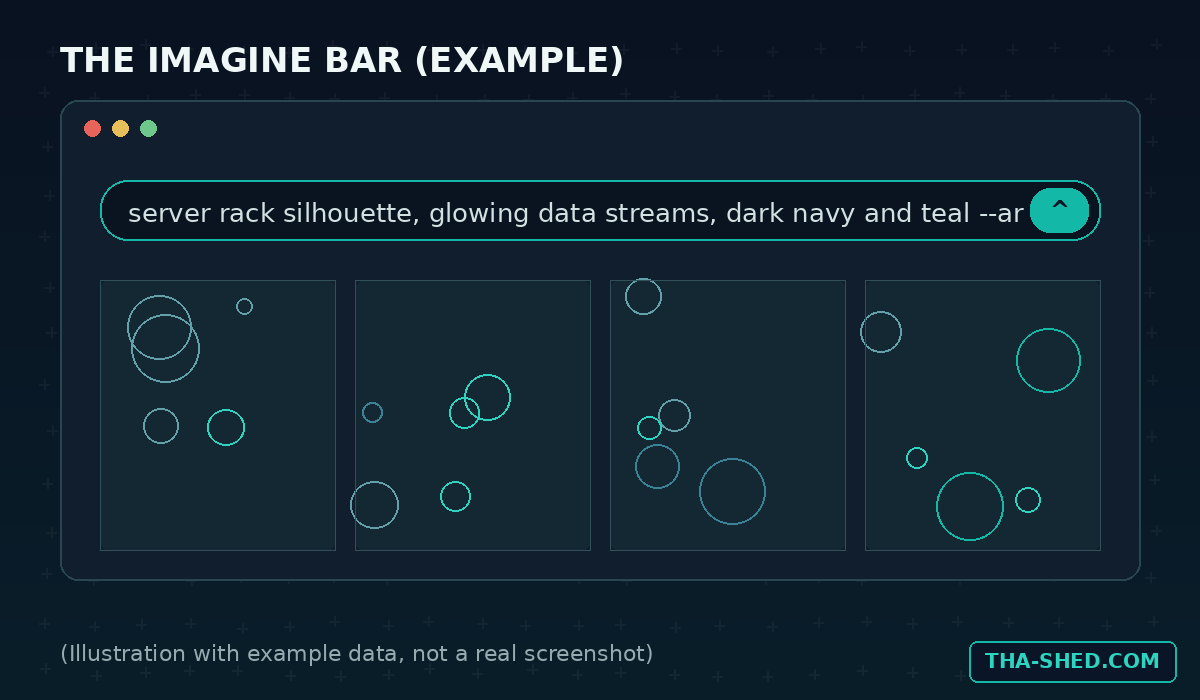
- Open the Create page at midjourney.com/imagine. This is your Imagine bar, the equivalent of a command line for images.
- Type a prompt and hit enter. You get four images back. Click one to upscale, vary, or send to the Editor.
- Set your defaults. Click the settings icon to lock in your preferred version, aspect ratio, and stylize level so you are not retyping parameters every time.
That is the whole onboarding. No API keys, no SDK, no config file. Browser tool first. Midjourney’s own Getting Started Guide covers the finer points like personalization profiles and moodboards.
The Mindset: A Junior Designer, Not a Diagram Tool
The mistake technical people make with Midjourney is trying to force it into being precise. It will not lay out an accurate network topology with correctly labeled subnets, and it is genuinely bad at rendering exact text inside an image. Use Mermaid, draw.io, or Excalidraw for anything that needs to be technically correct.
What Midjourney is excellent at is mood, style, and speed for anything illustrative: blog headers, slide backgrounds, concept art for a pitch, or a consistent visual identity across a docs site. Brief it like a junior designer who is fast but will not read your ticket carefully. Be specific about style, lighting, and composition. Do not expect it to read your spec sheet.
Seven Workflows Worth Stealing
1. Blog and Runbook Header Images
Every wiki page and blog post needs a header. Generate a batch in one sitting so your docs site has a consistent look.
Prompt example: “minimalist tech illustration, server rack silhouette with glowing data streams, dark navy and teal palette, flat vector style, wide banner composition –ar 16:9 –style raw”
2. Consistent Visual Style Across a Doc Set
Use a Style Reference to lock a look across dozens of images. Upload one image you like, or grab a code from the Style Explorer, then attach it with --sref and control intensity with --sw.
Prompt example: “abstract network topology, glowing nodes and connections –sref [your code] –sw 250 –ar 16:9”
Every image afterward inherits the same palette and texture, so your knowledge base looks like one designer made it.
3. Security Awareness and Phishing Training Graphics
Training decks need visuals for a suspicious email, a social engineering scenario, or an incident timeline, without a real screenshot of an actual phishing attempt or a real employee’s inbox. Generate a stylized, clearly illustrative mockup instead, which also sidesteps pasting real company data into a third-party tool.
Prompt example: “flat illustration of a suspicious email alert on a laptop screen, generic inbox mockup, warning icon, dark UI theme, clean vector style –ar 3:2”
4. Architecture Concept Art for Kickoffs
Before a design doc has real diagrams, a rough visual concept helps stakeholders picture a proposed system. Concept art for the kickoff, not documentation.
Prompt example: “isometric illustration of a cloud microservices architecture, containers and pipelines, futuristic control room aesthetic, teal accent lighting –ar 16:9”
5. Recurring Characters or Mascots with Omni Reference
If your team has a mascot for internal comms, a bot avatar, or a recurring character in an onboarding comic, Omni Reference keeps that character consistent across scenes. It currently requires switching your version to V7, since it has not carried over to V8.1 yet.
Prompt example: upload your character image as an Omni Reference, then prompt “the same robot mascot presenting a dashboard, office setting, friendly pose –v 7”
6. Editing Without Leaving the Browser
The Editor tab lets you inpaint, extend the canvas, swap backgrounds with Smart Select, or restyle an image entirely with Retexture, without redoing the whole prompt. Erase the part you do not like, describe the replacement, and submit. A great header image with the wrong aspect ratio for your CMS just needs Zoom Out to extend the canvas, no restart required.
7. Feeding a Content Pipeline
Since there is no first party API, teams pair Midjourney’s web output with their automation stack manually: generate and download a batch of images, then hand them to whatever publishes your content, an n8n workflow, a CMS upload step, or a CrewAI agent assembling the final post. Midjourney stays the creative step, your automation tool stays the plumbing.
Safety and Gotchas for DevOps and Security Teams
- No official public API. Midjourney has floated the idea in a survey, nothing has shipped. Any “Midjourney API” online is an unofficial wrapper using browser automation, violates the terms of service, and risks a ban. Do not wire it into a production pipeline expecting stability or support.
- Default generations are not private. Unless you are on Pro or Mega with Stealth Mode on, your prompts and images can appear in the public feed. Do not generate anything tied to an unreleased product on a lower tier.
- Do not upload real screenshots or proprietary diagrams as reference images. Anything uploaded gets processed on Midjourney’s servers. Treat it like pasting code into a public chatbot and get sign-off from your data policy owner first.
- Commercial usage has a revenue threshold. General commercial terms apply to paid subscribers, but companies over one million dollars in gross annual revenue must be on Pro or Mega.
- Moderation blocks some innocent prompts. Filters can be aggressive. Blocked jobs do not cost GPU time, so it is a nuisance, not a budget problem.
Cost and Usage Tips
Midjourney runs four subscription tiers. Here is the breakdown so you can pick the right one instead of guessing, straight from the official Comparing Midjourney Plans page.
| Plan | Monthly | Fast GPU Hours | Relax Mode | Stealth Mode |
|---|---|---|---|---|
| Basic | $10 | 3.3 hrs | No | No |
| Standard | $30 | 15 hrs | Unlimited images | No |
| Pro | $60 | 30 hrs | Unlimited images and video | Yes |
| Mega | $120 | 60 hrs | Unlimited images and video | Yes |
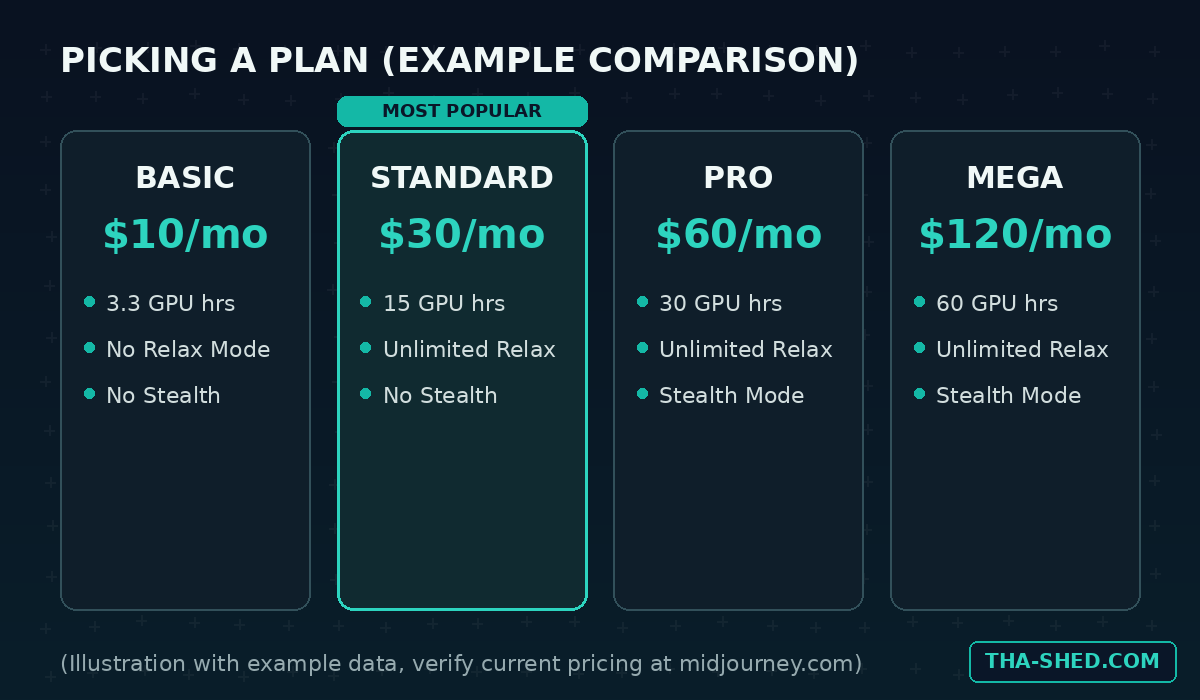
Paying annually knocks 20 percent off any tier. For most individual contributors, Standard is the sweet spot: Relax Mode gives unlimited image generation for free, you just wait a little longer per job. Save Fast GPU hours for when you are iterating live in a meeting or racing a deadline.
A few more ways to stretch the budget: keep early iterations cheap before committing to a final HD render, since HD costs more GPU time than standard definition. Reuse a locked seed when you only want to tweak one variable instead of rerolling from scratch. And if you are the only person on the team who needs this, skip Pro unless Stealth Mode is a real requirement. Standard covers most workflows fine.
FAQ
Do I need Discord to use Midjourney in 2026?
No. The web app at midjourney.com covers generation, editing, organizing, and settings. Discord is optional if your team prefers it.
Can I use Midjourney images for commercial work?
Yes, paid subscribers get general commercial usage rights. The exception is companies over one million dollars in gross annual revenue, which must be on Pro or Mega.
Is there a way to automate Midjourney through code?
Not officially. There is no first party public API as of this writing. Third party tools claiming to offer one are unofficial and carry a real risk of account suspension, so keep Midjourney as a manual creative step rather than a scripted one.
Try It This Week
Pick one recurring need on your team, a blog header, a training graphic, a slide background, and generate five variations before your next sprint planning. You will have a usable asset faster than it takes to find a stock photo that does not look like every other stock photo. For a deeper look at building an AI-assisted content workflow, check out our n8n automation tutorial, or browse our courses for more hands-on DevOps and AI training.