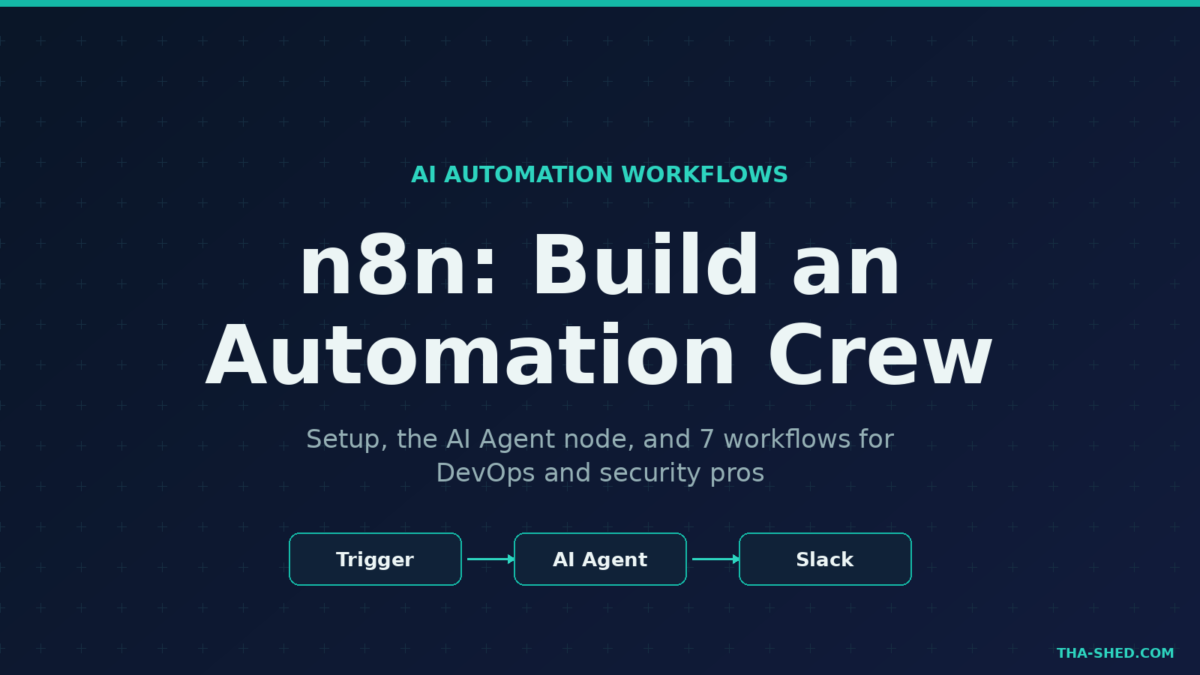
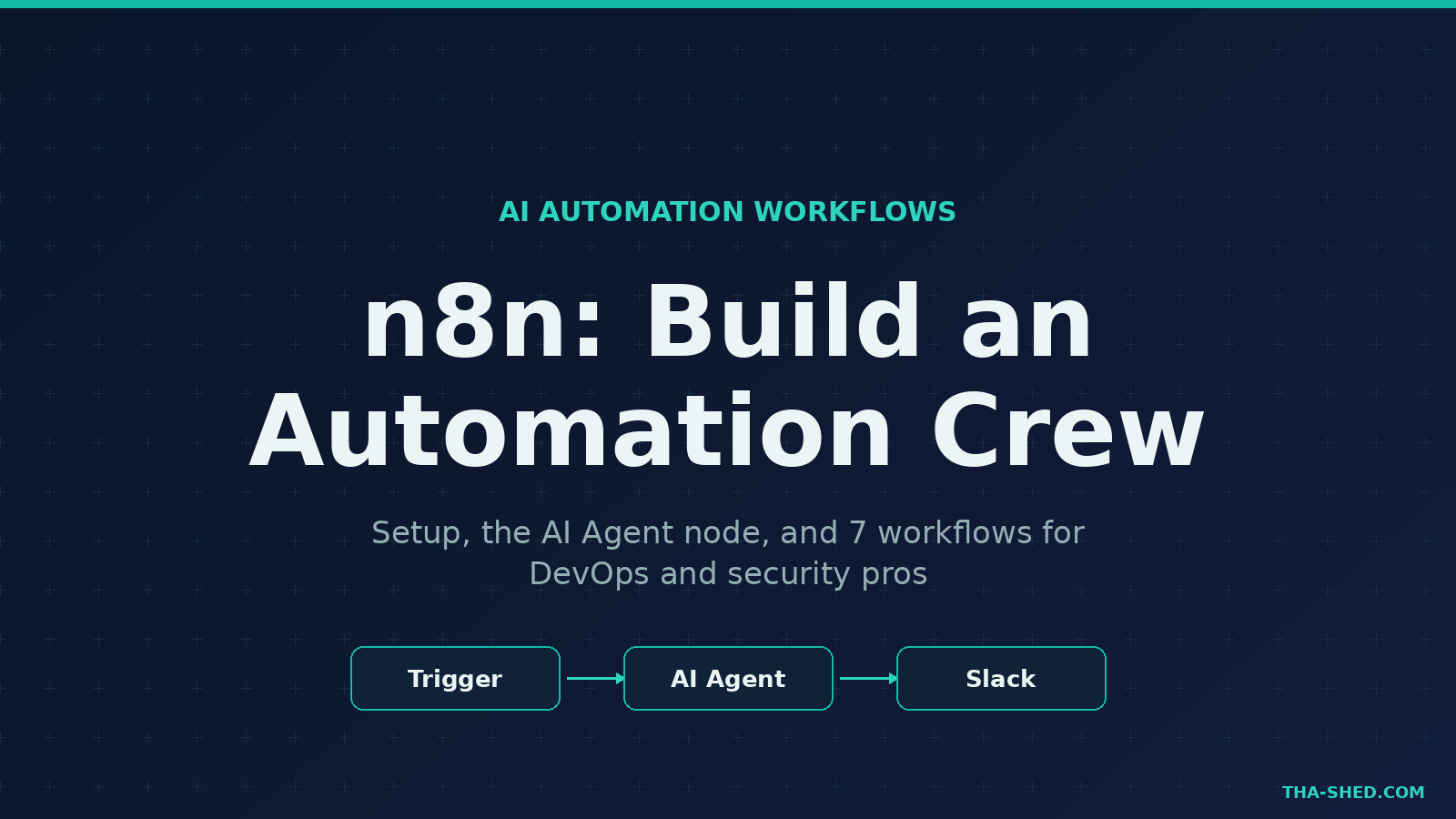
Most automation tools make you choose between easy and powerful. n8n refuses to pick. It gives you a visual, node-based canvas that a junior can read at a glance, plus raw code, custom HTTP calls, and a full AI Agent node when you need to go deeper. For DevOps, security, and AI folks who live in glue code and 2 a.m. alerts, that combination is the whole point. This is a practical n8n tutorial: what it is, how to stand it up, and seven workflows you can ship this week.
What n8n actually is
n8n (pronounced “n-eight-n”) is a workflow automation platform. You build flows by dragging nodes onto a canvas and wiring them together. Each node does one thing: trigger on a schedule, call an API, transform JSON, branch on a condition, or run an AI Agent. Think of it as Zapier with the lid off. You get 500-plus prebuilt integrations, but you also get a Code node, raw HTTP requests, and the ability to self-host the entire thing on your own box.
That last part matters for security teams. Because n8n can run self-hosted under its Sustainable Use License at zero license cost, your secrets, logs, and customer data never have to leave your network. The cloud version exists too, but the self-hosted Community Edition is what makes n8n a serious option for regulated shops.
Quick setup
You have three honest paths. To kick the tires on a laptop, run it with npx and you get the editor at http://localhost:5678 in about two minutes:
npx n8nFor anything you actually depend on, use Docker so upgrades and restarts are clean:
docker volume create n8n_data
docker run -it --rm --name n8n -p 5678:5678 \
  -v n8n_data:/home/node/.n8n docker.n8n.io/n8nio/n8n
n8n ships with SQLite by default, which is fine for testing. For production, point it at PostgreSQL for concurrent access and sane backups, and put it behind a reverse proxy with TLS. If you would rather skip ops entirely, n8n Cloud gives you a 14-day trial with no credit card. More on pricing later. The official n8n documentation covers every deployment flavor in detail.
The mindset: workflows are infrastructure, not toys
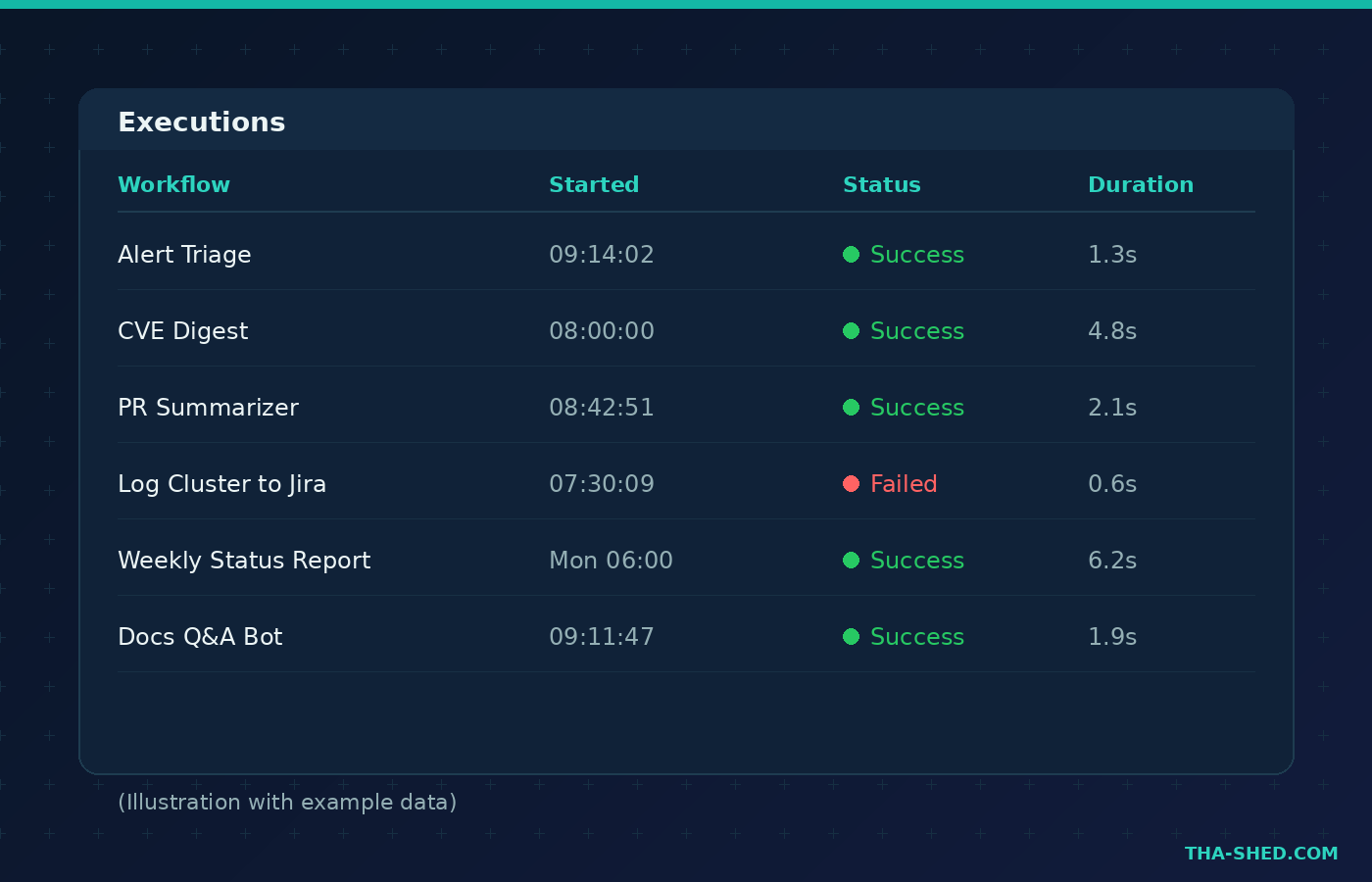
The mistake new users make is treating n8n like a macro recorder. Build one giant flow, click execute, hope it works. That falls apart the first time an API rate-limits you at 3 a.m. Treat your workflows the way you treat code. Keep each flow small and single-purpose. Use sub-workflows for anything you call more than once. Store credentials in n8n’s credential vault, never in plain nodes. Version your exported JSON in git. And lean on the execution log, because every run is recorded with the exact data that passed through each node, which makes debugging a flow far easier than debugging a cron script.
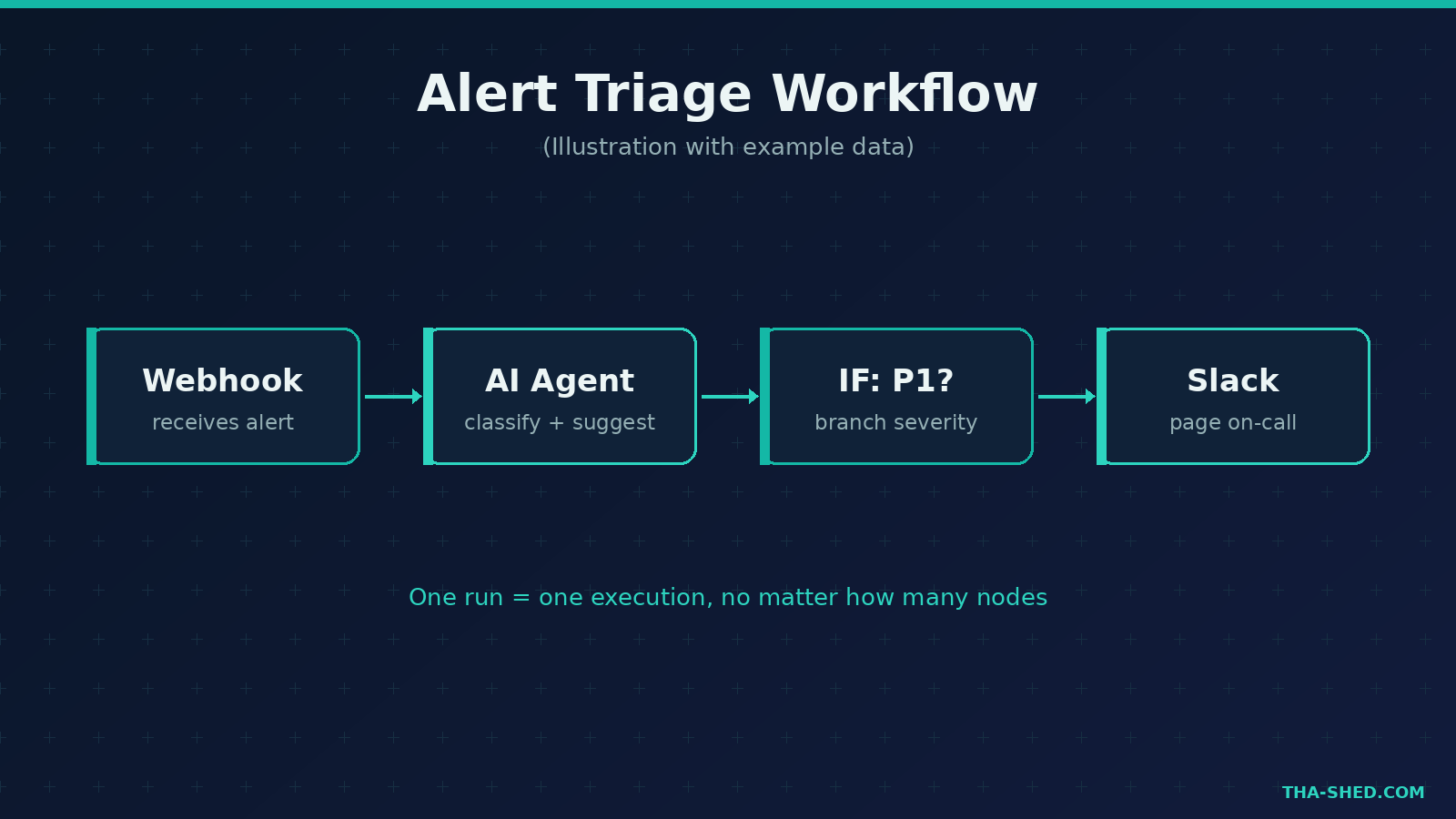
One execution equals one full run of a workflow, no matter how many nodes it contains. A two-node flow and a fifty-node flow each cost exactly one execution. Design with that in mind: it is cheaper to build one rich workflow than to chain ten thin ones.
7 workflows worth building
1. Alert triage with an AI Agent
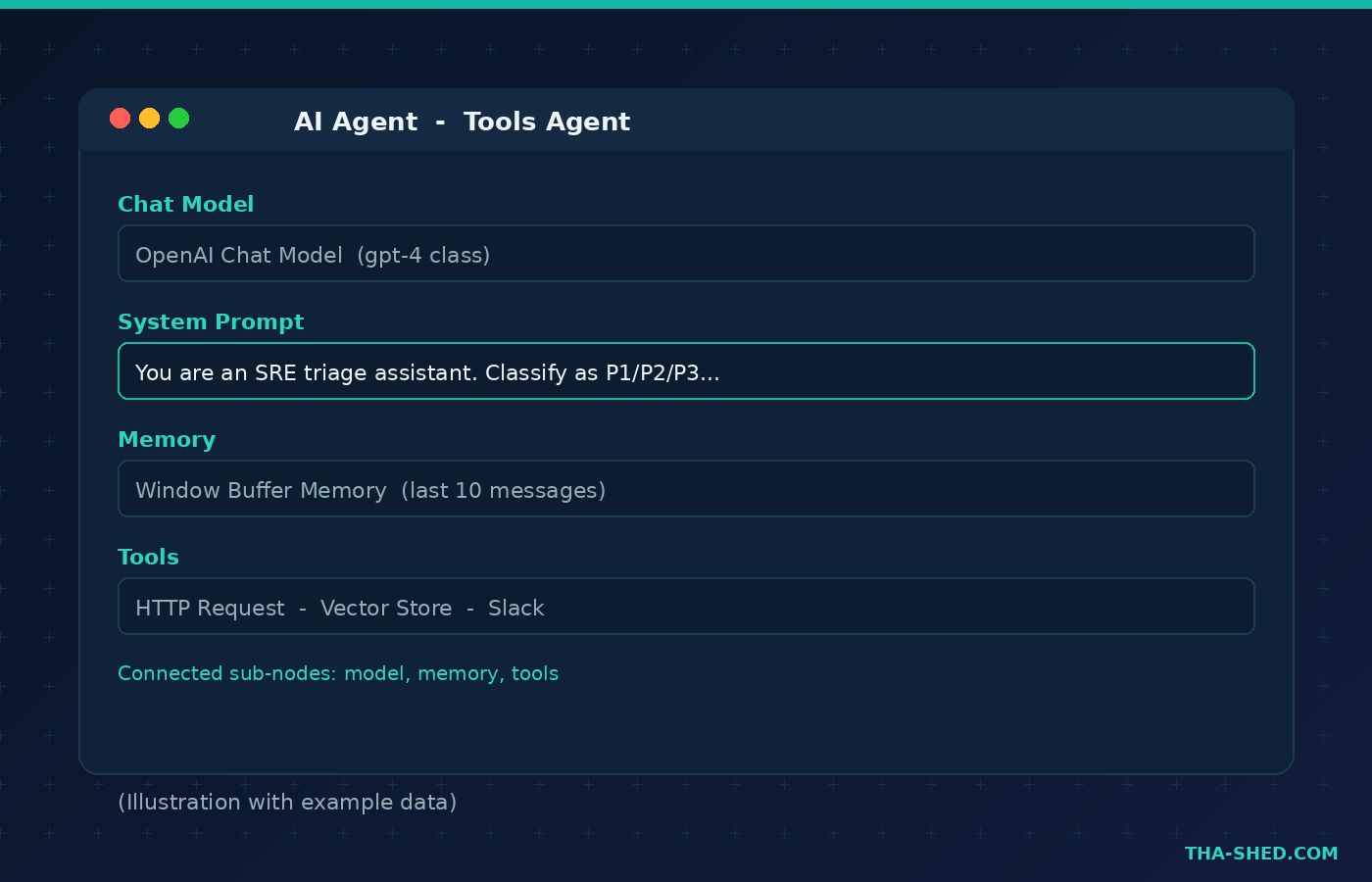
Wire a Webhook node to receive alerts from your monitoring stack. Feed the payload into an AI Agent node (the Tools Agent, powered by n8n’s LangChain integration) with a system prompt like: “You are an SRE triage assistant. Classify this alert as P1, P2, or P3, name the likely subsystem, and suggest the first diagnostic step. Be terse.” Route P1 results to a Slack node that pages on-call, and log everything else to a sheet. You stop waking up for disk-usage warnings.
2. CVE and advisory digest
Use a Schedule Trigger set to weekday mornings, pull from vendor RSS feeds and the NVD API with HTTP Request nodes, filter to the products you actually run, then pass the batch to an AI Agent that writes a five-line summary per item with a severity call. Send it to email or Slack. Your team reads one digest instead of forty tabs.
3. Pull request summarizer
Trigger on the GitHub “pull request opened” event. Send the diff to an AI Agent prompted to summarize the change, flag risky patterns, and list what a reviewer should check. Post it as a PR comment. Reviewers walk in with context instead of cold-reading 600 lines.
4. Incident timeline drafter
When an incident closes, gather the alert events, deploy markers, and chat messages, then hand them to an AI Agent that drafts a blameless timeline in your postmortem template. A human still owns the final writeup, but the boring reconstruction is done before the retro starts.
5. Log error clustering to tickets
Schedule a query against your log store, group similar errors with a Code node, and for any new cluster crossing a threshold, have an AI Agent draft a clear bug title and reproduction note, then create a Jira or Linear issue. Noise becomes a tidy backlog.
6. A docs Q&A bot with RAG
This is where n8n’s AI nodes shine. Embed your runbooks and docs into a vector store node, then connect it as a tool to an AI Agent with a Chat Trigger. Ask “how do we rotate the prod database password” in Slack and get an answer grounded in your own documentation, with the source. Retrieval-augmented generation, no custom backend.
7. Scheduled status report
Cron the start of each week, query your deploy and uptime metrics, and have an AI Agent turn the numbers into a plain-English summary for leadership. The report that used to eat your Monday now lands in your inbox before you do.
Safety and gotchas
A few things will bite you if you are not careful. First, treat the AI Agent as untrusted output: never let it run shell commands, write to production, or send money without a human approval node in the path. Prompt injection through a malicious alert payload or document is real, so validate and sanitize anything that reaches an LLM. Second, scope your credentials tightly. An n8n instance with a god-mode API token is a fantastic target, so give each integration the least privilege it needs. Third, mind your error handling. Add an Error Trigger workflow so a failed run pages you instead of failing silently. And if you self-host, keep it patched and behind auth, because an exposed editor is a remote code execution waiting to happen.
Cost and usage tips
n8n bills the cloud plans by execution, not by step, which rewards consolidation. At the time of writing the Starter plan runs about 24 euros a month for 2,500 executions, Pro about 60 euros for 10,000, and Business around 800 euros for 40,000 with SSO. Annual billing shaves roughly 17 percent off every tier. Every plan includes unlimited users and unlimited active workflows, so the lever you tune is execution volume, not seats. Batch work into fewer, richer runs, use the Schedule Trigger instead of polling where you can, and move high-frequency internal automations to a self-hosted instance where executions are effectively free. Check the current numbers on the official n8n pricing page before you commit, since tiers change.
FAQ
Is n8n free?
The self-hosted Community Edition is free under the Sustainable Use License, with unlimited executions and the full integration catalog. The managed cloud is paid after a 14-day trial. So yes, you can run real automations at zero license cost if you handle the hosting.
Do I need to know how to code to use n8n?
No. Most workflows are built entirely by dragging and configuring nodes. When you do need logic the visual nodes cannot express, the Code node lets you drop into JavaScript or Python, which is exactly why engineers like it. You can start no-code and grow into code.
How is n8n different from Zapier or Make?
The big differences are self-hosting, the execution-based pricing model, and first-class AI Agent nodes built on LangChain. Zapier is task-based and cloud-only. n8n lets you keep data in house, wire in custom code, and build agentic workflows, which suits technical teams better than point-and-click consumer automation.
Where to take it next
Start with workflow number one or two, get it running against a real feed, and resist the urge to build the mega-flow on day one. Once you trust the execution log and your credential setup, the AI Agent node turns n8n from a connector into something closer to a junior teammate that never sleeps. If you want a guided path into the DevOps and automation skills these workflows assume, take a look at our DevOps Coach and the rest of our courses. And if you missed it, our Claude Cowork tutorial pairs nicely with n8n for the work that lives on your desktop rather than your servers.
Pick one annoying manual task. Automate it this week. That is the whole game.