You already know Claude Code if you read this blog. We covered it twice, most recently in our Claude Code tutorial for DevOps and security pros. But Claude Code lives in a terminal, and half of your job does not. The runbooks, the vendor comparisons, the audit spreadsheets, the “can you summarize this 40-page PDF” requests… that work happens in files and browsers. That is exactly the gap Claude Cowork fills, and this tutorial shows you how to use it well.
What Claude Cowork is
Cowork is Anthropic’s agentic workspace inside the Claude desktop app for macOS and Windows. Think of it as Claude Code energy pointed at knowledge work: you give Claude access to a folder on your machine, describe an outcome, and it plans the task, reads and writes real files, and hands you finished deliverables like spreadsheets, documents, and reports. It is available on Pro and Max plans, and it keeps getting new toys: scheduled tasks that run on a cadence, a Customize section that groups your skills, plugins, and connectors in one place, and a computer use research preview that lets Claude drive your screen when no connector exists. Official details live on the Claude Cowork product page.
Quick setup
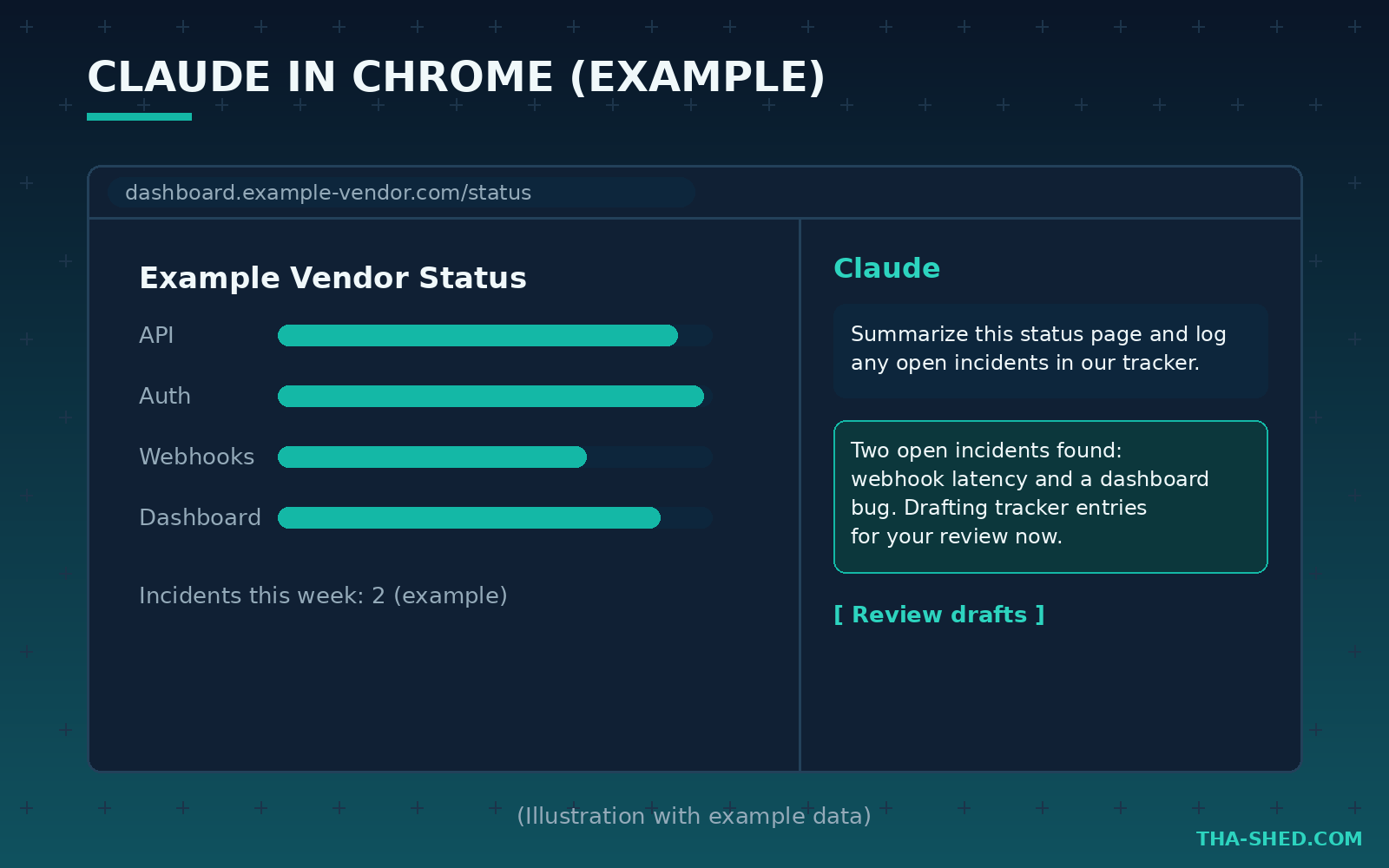
Setup takes five minutes. Download the Claude desktop app, sign in with a Pro or Max account, and open the Cowork tab. Point it at a working folder, ideally a dedicated one rather than your whole home directory. Then hit Customize and wire up the two force multipliers: connectors (MCP integrations for tools like GitHub, Google Drive, Gmail, Notion, and hundreds more in the connectors directory) and skills. If you also install the Claude in Chrome extension, currently in beta for paid plans, Claude can research in your browser while Cowork produces the files.
The mindset: delegate outcomes, not steps
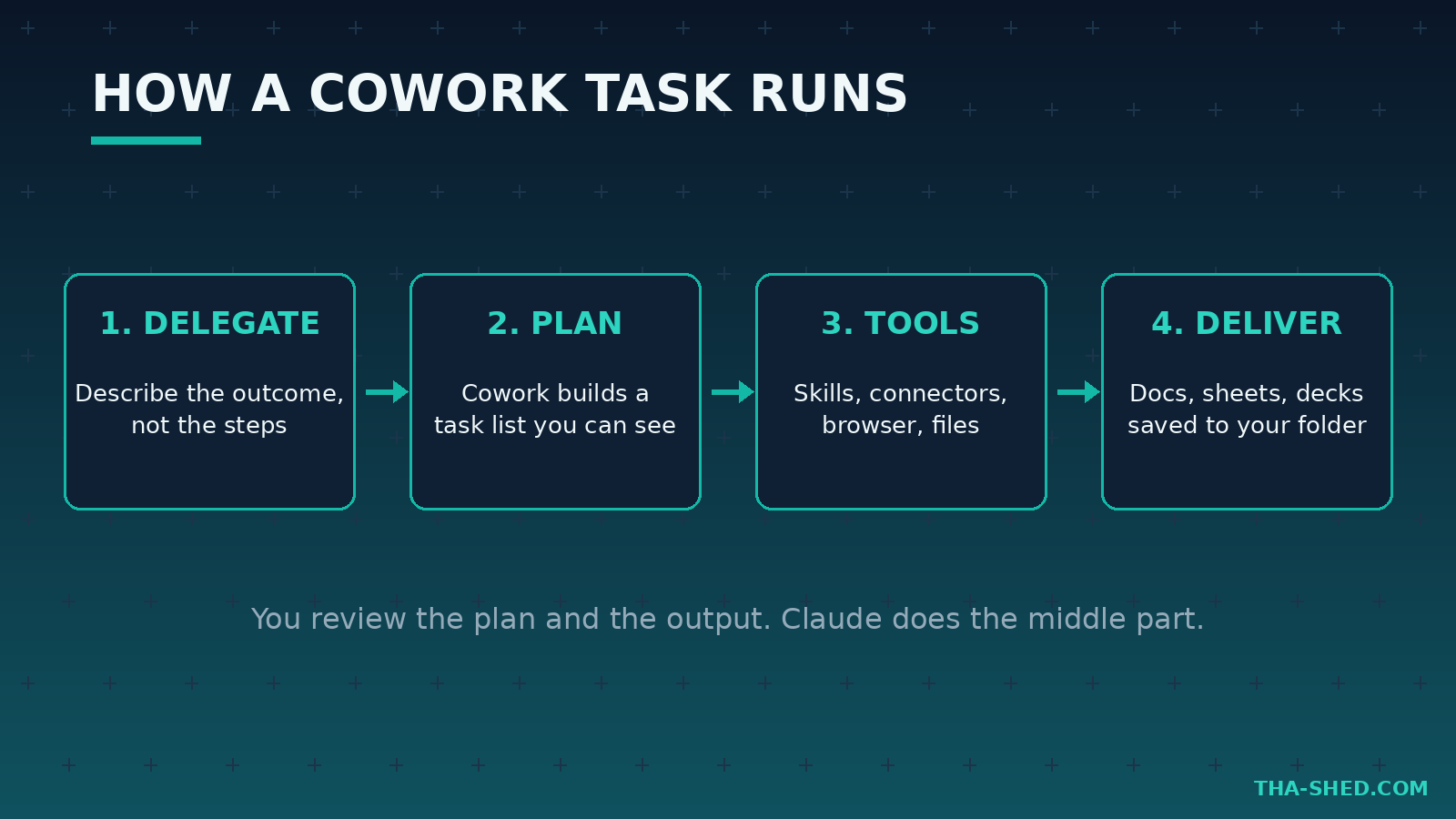
Here is the principle that separates people who get real value from Cowork from people who quit after a day: stop micromanaging. Cowork is not autocomplete. If you type “open the CSV, then filter column B, then make a pivot,” you are doing the thinking and letting the machine do the typing, which is backwards. Describe the outcome, the constraints, and the definition of done. “Take the three vendor quotes in this folder and build me a comparison spreadsheet with a recommendation tab, flag anything with auto-renewal clauses” is a good Cowork prompt. Claude builds its own task list, works through it visibly, and you review the plan and the output. You are the reviewer and approver. That is the whole job now.
7 workflows for DevOps and security pros
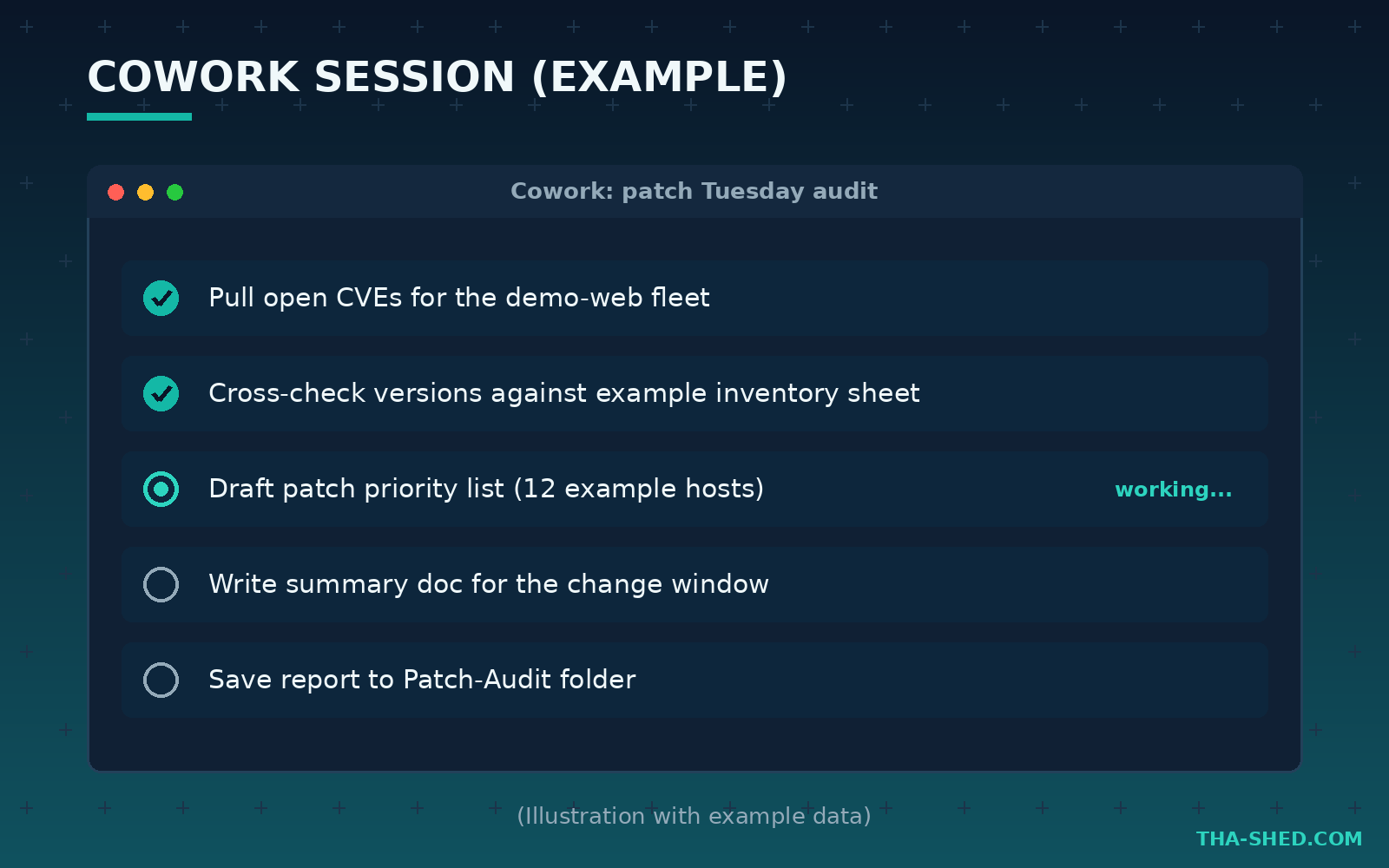
1. Patch Tuesday triage packet
Feed Cowork an export of your asset inventory (scrubbed if needed) and ask for a prioritized patch plan. Prompt: “Read inventory.csv, cross-reference this month’s published CVEs for these products using the web, and produce a spreadsheet ranked by exploitability and exposure, plus a one-page summary for the change advisory board.”
2. Runbook writing from shell history
Paste the raw command history from your last incident into a text file and prompt: “Turn incident-cmds.txt into a proper runbook: prerequisites, numbered steps with explanations, rollback section, and a verification checklist. Format as a Word doc.” Ugly tribal knowledge becomes documentation your whole team can run.
3. Compliance evidence collection
SOC 2 and ISO audits eat weeks. Prompt: “Go through the policies folder, map each document to the relevant SOC 2 trust criteria, and build an evidence tracker spreadsheet listing what exists, what is stale (older than 12 months), and what is missing.” Connect Google Drive via MCP and it can pull the documents itself.
4. Vendor security review
With the Chrome extension as the research layer, ask: “Research these three SIEM vendors’ current pricing pages, trust centers, and status page history, then build a comparison doc with a risk section.” Claude browses, Cowork writes the deliverable. Review every claim, but the first draft arrives in minutes, not days.
5. Log and report summarization on a schedule
Use scheduled tasks for recurring grunt work. Example: a weekly task that reads the exported alert summary dropped into a folder, trends it against previous weeks, and writes a Monday morning briefing doc. You review a page instead of a thousand rows.
6. A custom skill for your team’s standards
Skills are folders with a SKILL.md file: YAML frontmatter (name plus a description under 200 characters) and markdown instructions Claude loads when relevant. Build one called “incident-postmortem” that encodes your template, severity definitions, and tone. Every postmortem then comes out in house style. Start with Anthropic’s public skills repo and the custom skills guide.
7. Interview and cert prep drills
Advancing your career is the point of this site, so use Cowork on yourself. Prompt: “Read my resume and this job description, generate a gap analysis doc and a 2-week study plan with daily tasks.” Pair it with structured learning from our courses and you have a study system, not just a chatbot.
Safety and gotchas
Treat Cowork like a very fast junior colleague with root on your files. Scope its folder access tightly, never point it at directories containing credentials or customer data, and review before anything leaves your machine. Connectors and browser automation add prompt injection risk: content on a web page or in an email can try to steer the agent, which is why Claude asks before sending messages, submitting forms, or making purchases. Do not train yourself to click yes. Also remember the computer use feature is a research preview: powerful, but watch it work. And verify facts in anything customer-facing, because confident wrong prose is still wrong.
Cost and usage tips
Cowork ships with Pro and Max plans, and heavy agentic sessions burn usage faster than chat. Three tips. First, keep working folders small; less context scanned means less usage spent. Second, batch related asks into one session instead of ten cold starts. Third, save recurring instructions as skills so you stop paying tokens to re-explain your standards every time. If you routinely hit Pro limits on long multi-step tasks, Max is the upgrade path; check current plan details on Anthropic’s pricing page since numbers change.
FAQ
Is Claude Cowork the same as Claude Code?
No. They share the same agent foundations, but Claude Code is a terminal-first coding tool while Cowork is a desktop workspace for file-based knowledge work. Many engineers run both: Code for repos, Cowork for everything around the repos.
Does Claude Cowork work on Windows?
Yes. Cowork runs in the Claude desktop app on both macOS and Windows, with a Pro or Max subscription.
Can Claude Cowork browse the web?
Yes, in two ways: built-in web search and fetch, plus the Claude in Chrome extension (beta for paid plans) when a task needs real browser interaction like navigating dashboards or filling forms, with your approval on sensitive actions.
Wrap-up
Cowork is the missing half of the Claude story for working engineers: Code owns the terminal, Cowork owns the files, folders, and browser work around it. Start with one workflow this week, the patch triage packet or the runbook rewrite, and build from there. Then go deeper: our courses cover the DevOps and security fundamentals that make you the person who reviews the agent’s work instead of the person replaced by it. Get in tha shed and build.