Most people use Perplexity like a fancier Google. That is a waste of a tool that can run dozens of searches, read the full sources, and hand you a cited report while you get coffee. For DevOps and security pros, the real value is not chat, it is research you can trust enough to act on. Here is a practical, opinionated walkthrough: setup, mindset, seven workflows, the gotchas, and how to keep the cost sane.
What Perplexity actually is
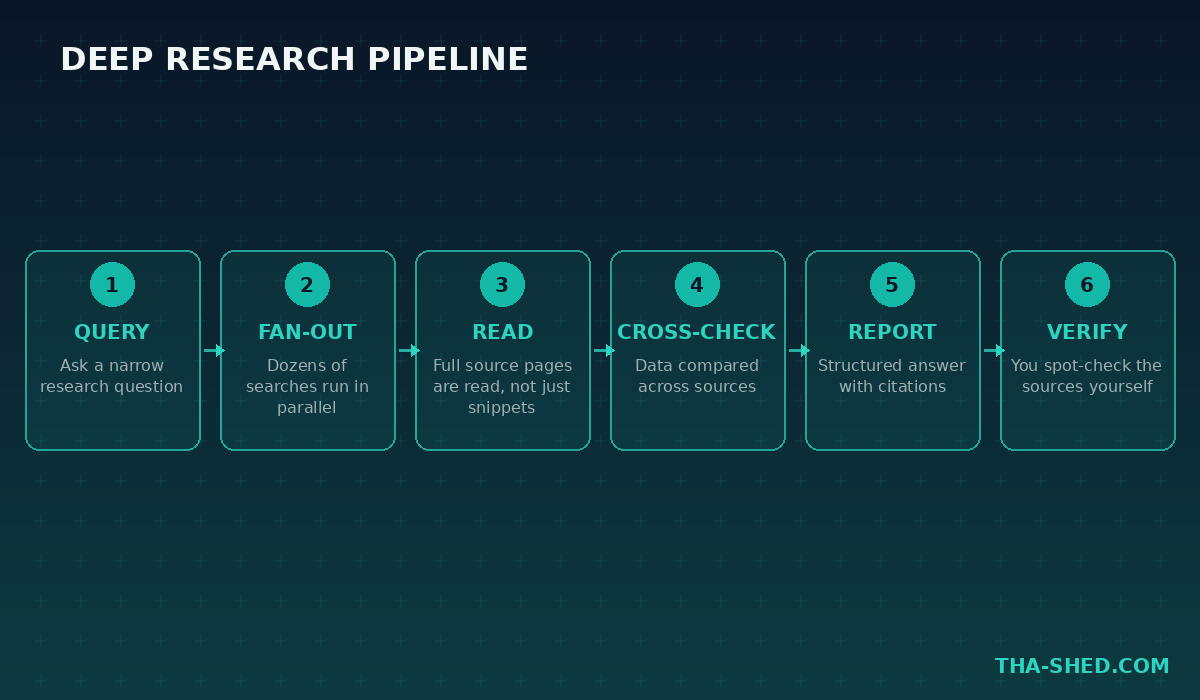
Perplexity is an answer engine built around grounded web search. Instead of generating a response purely from training data, it searches the live web, reads the actual pages, and writes an answer with inline citations back to its sources. The flagship feature for serious research is Deep Research, which does not stop at one search pass. It runs dozens of searches across hundreds of sources, reads full articles, cross-references data, and produces a structured report. As of 2026, Deep Research runs on Claude Opus for Pro and Max subscribers, which is a meaningful jump in reasoning quality over the free tier’s default model.
Perplexity also ships Comet, an agentic browser that Perplexity made free in March 2026. Comet does not just answer questions, it can navigate tabs, summarize pages, and complete multi-step tasks across the sites you already have open.
Quick setup
You can be productive in under five minutes.
- Go to perplexity.ai and create a free account.
- Run a few searches on the free tier to get a feel for citations and follow-up questions before paying for anything.
- If you are doing this weekly, upgrade to Pro, which unlocks unlimited Pro Search and twenty Deep Research queries a day instead of the free tier’s five.
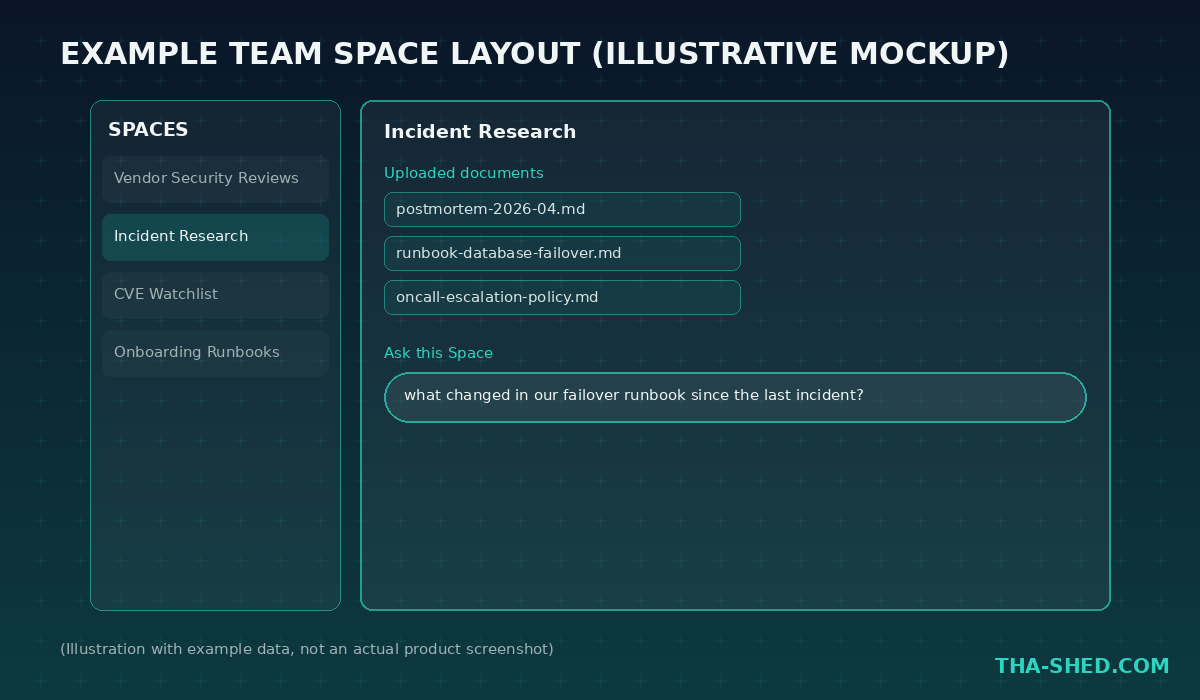
- Create a Space for your first real project, for example “Vendor Security Reviews” or “Incident Research,” and upload any relevant internal documents so future searches in that Space have that context.
- Optionally install Comet if you want an assistant that can act across your open tabs, not just answer in a chat window.
The mindset that saves you time
Treat Perplexity as a research assistant you still have to supervise, not an oracle. The citations are the whole point: read them before you put a fact into a security report, a vendor comparison, or a postmortem. A good habit is to ask a narrow question, check two or three of the cited sources yourself, then widen the question if the sources hold up. Also lean on Spaces instead of one-off chats for anything you will revisit. A Space keeps your uploaded documents, past searches, and follow-up threads scoped to one project, so you are not re-explaining context every time you open a new chat.
7 workflows for DevOps and security pros
1. CVE and vulnerability research
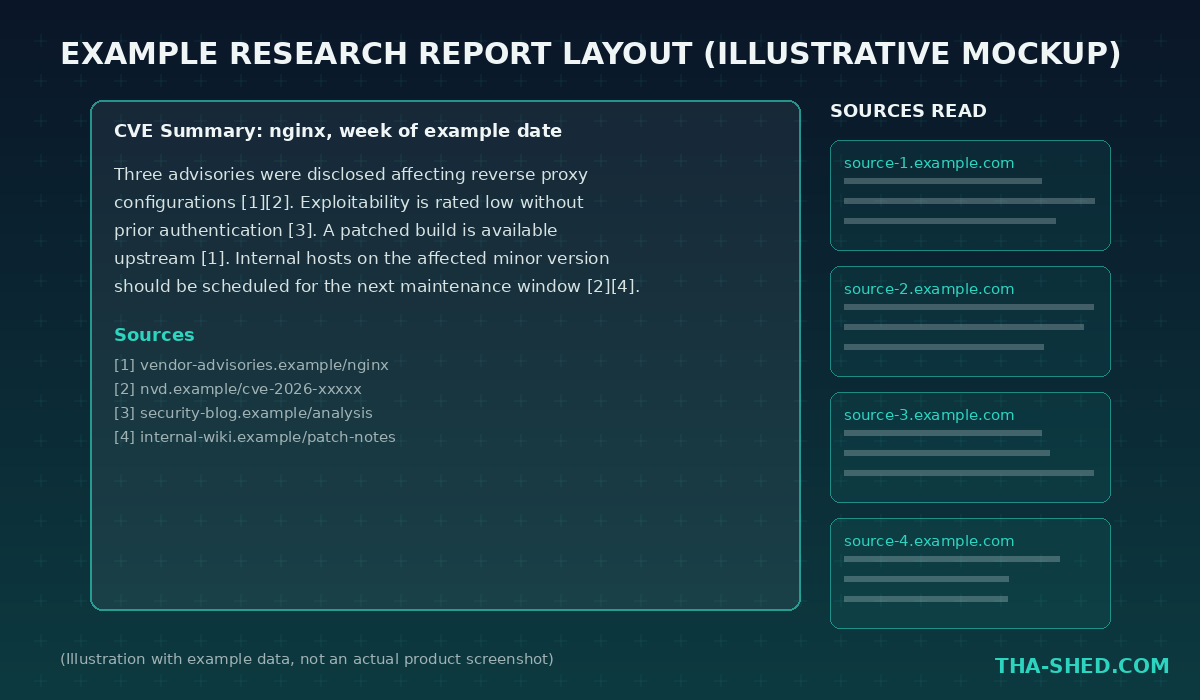
Run Deep Research on something like “summarize CVEs disclosed this week affecting nginx and their exploitability status.” Deep Research will pull from vendor advisories, NVD entries, and security blogs, then hand you a structured report with sources, instead of you tab-hopping across five different feeds.
2. Vendor and tool evaluation
Before adopting a new tool, ask Perplexity to compare it against alternatives on pricing, compliance certifications, and known outages or breaches. Because every claim comes with a citation, you can hand the report straight to a security review without redoing the legwork yourself.
3. A shared research Space for the team
Create a Space scoped to a project, like an incident or an audit, upload your internal runbooks and past postmortems, and let the team ask questions against that context. Spaces are restricted to paid tiers, and on Enterprise you get admin controls, audit logs, and SSO, which matters if this is going to hold anything sensitive.
4. Competitive and threat intelligence monitoring
Set a recurring habit, weekly or daily, of asking Deep Research to summarize new attack techniques, threat actor activity, or competitor product changes in your space. You are trading an hour of manual reading for a few minutes of prompt writing and source verification.
5. Agentic multi-tab research with Comet
For research that spans multiple sites, like checking a vendor’s status page, their changelog, and their security advisories in one pass, Comet’s agentic browser can navigate and summarize across all three tabs instead of you doing it manually. It is free, and enterprise admins can deploy and restrict it via MDM if you need central control.
6. Grounded search inside your own tools
Perplexity’s Search API gives you grounded web results you can pull into an internal tool, like a Slack bot that answers “what changed in the latest Kubernetes release” with real citations instead of a stale model’s memory. This is the same underlying search that powers the consumer product, exposed for you to build on.
7. Building a custom research agent with the Agent API
Perplexity’s Agent API, a managed agentic runtime launched in March 2026, lets you build a standing research agent rather than a one-off search, for example something that checks a fixed list of advisory feeds every morning and drafts a brief. Pair it with the Sandbox API if the agent needs an isolated code execution environment to process what it finds.
Safety and gotchas
Citations reduce hallucination risk, they do not eliminate it. Always spot-check the actual source before a fact goes into anything customer-facing or compliance-relevant. Be careful what you paste into a free or Pro account: enterprise-grade data handling, audit logs, and SSO only show up on the Enterprise tiers, so anything genuinely sensitive belongs there, not in a personal Pro account. Comet’s agentic actions mean it can click, navigate, and submit on your behalf, so review what permissions and sites you have granted it, the same way you would review any browser extension with broad access.
Usage and cost tips
The free tier covers occasional use: three Pro Searches and five Deep Research queries a day. Pro runs twenty dollars a month and removes the Pro Search cap while raising Deep Research to twenty queries daily, which is enough for a research-heavy individual contributor. If you are building on the API rather than using the web app, the Sonar API bills pay-per-use separately from any subscription, so budget it like any other metered service rather than assuming your Pro plan covers it. Teams that need shared Spaces, audit logs, and SSO should budget for Enterprise seats instead of stacking individual Pro accounts, since compliance controls do not exist below that tier.
FAQ
Is Perplexity actually better than ChatGPT or Google for this kind of research?
It fills a different gap. Google gives you links you still have to read yourself, and a generic chatbot answer without live search can be stale or unsourced. Perplexity’s advantage is combining live web search with inline citations in one pass, which is exactly the shape of work security and DevOps research usually takes.
Is it safe to research sensitive internal issues with Perplexity?
It depends on the tier. Free and Pro plans are fine for public research, like CVE lookups or vendor comparisons. For anything involving internal, sensitive, or regulated information, use an Enterprise seat, since that is where SSO, audit logs, and admin controls over data handling actually live.
Do I need the API, or is the web app enough?
For personal or team research, the web app and Spaces are enough on their own. Reach for the Search, Agent, or Sandbox APIs only when you want grounded search or a standing research agent built into your own internal tools rather than a person opening a browser tab.
Where to go from here
Pick one recurring research task you already do by hand, CVE monitoring or vendor review are good starting points, and run it through Deep Research this week. If you want to compare this against the agent-building side of AI tooling, check out our LangGraph tutorial and our CrewAI tutorial, or browse our full lineup of DevOps and cybersecurity courses to keep building skills that pair well with this kind of research workflow.