If you built anything with AutoGen over the last two years, you should know it’s done evolving. Microsoft folded AutoGen and Semantic Kernel into a single SDK, and as of April 2026 that SDK, Microsoft Agent Framework, is a stable 1.0 release. AutoGen itself is now in maintenance mode: critical fixes only, no new features. If you’re starting a multi-agent project for DevOps or security work today, this is the framework to learn instead.
This guide covers what it actually is, how to get it running in minutes, the mindset that keeps multi-agent systems from turning into chaos, and seven workflows built for technical teams.
What Microsoft Agent Framework actually is
Microsoft Agent Framework is an open source SDK, MIT licensed, for building, orchestrating, and deploying AI agents and multi-agent workflows in Python and .NET. It takes AutoGen’s simple agent-to-agent conversation model and merges it with Semantic Kernel’s enterprise plumbing: session-based state management, type safety, middleware, and telemetry. On top of that it adds graph-based and functional workflow APIs for orchestrating multiple agents through explicit, inspectable pipelines rather than an open-ended chat loop.
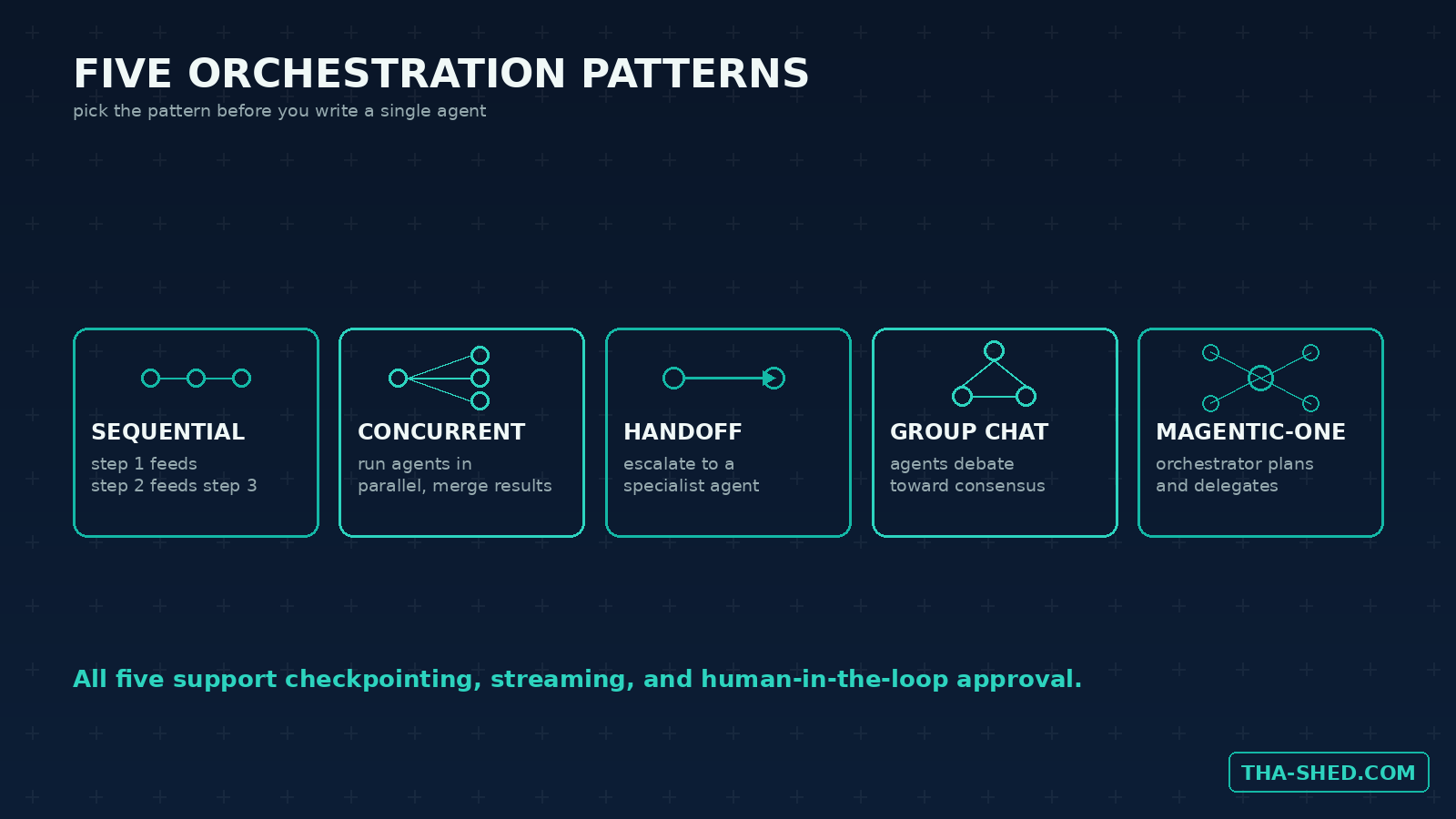
It ships with stable support for five orchestration patterns pulled from Microsoft Research and AutoGen: sequential, concurrent, handoff, group chat, and Magentic-One. Every pattern supports streaming output, checkpointing, human-in-the-loop approval steps, and pause and resume for long-running jobs. It also speaks Model Context Protocol both ways, agents can call external MCP tools, and you can expose an entire workflow as an MCP tool with a single flag so other agents or clients can call it.
Quick setup
- For Python, install the full package with
pip install agent-framework. If you only need one model provider, install the lighteragent-framework-coreinstead, it bundles Azure OpenAI and OpenAI support plus workflows and orchestrations. - For .NET, run
dotnet add package Microsoft.Agents.AI. - Point an agent at any OpenAI-compatible model client. Azure AI Foundry integration is available if you want managed hosting and scaling, but it isn’t required to get started.
- Build your first agent and run it locally in under five minutes using the official Quick Start guide.
Full architecture notes live in the Microsoft Agent Framework overview, and the source is on GitHub under an MIT license.
The mindset: pick the orchestration pattern before you write a single agent
The most common mistake teams make moving from a single chatbot to multi-agent systems is writing the agents first and figuring out how they talk to each other later. Agent Framework forces the opposite order, and that’s a feature, not friction.
Before you write any prompt, decide which of the five patterns fits your problem. A sequential pipeline is right when each step depends on the last, like triage then diagnosis then fix. Concurrent is right when several independent checks can run in parallel and get merged, like a security scan sweep. Handoff is right when a first responder needs to escalate to a specialist under specific conditions. Group chat and Magentic-One are right when the problem genuinely benefits from multiple perspectives debating before converging, like drafting a postmortem.
Pick wrong and you’ll spend a week fighting the framework instead of your actual problem. Pick right and the orchestration code nearly writes itself.
Seven workflows worth stealing
1. Sequential CI/CD triage pipeline
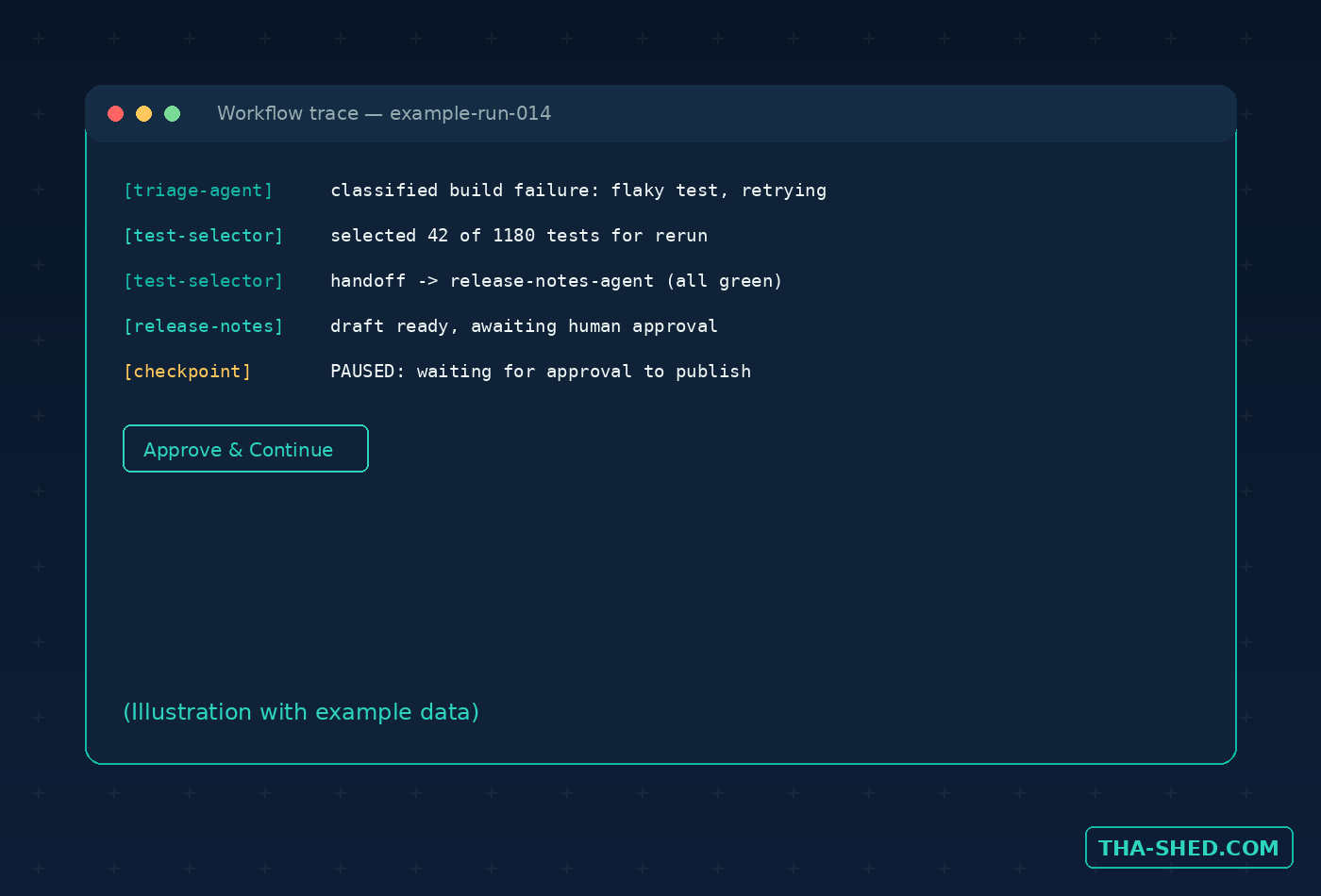
Chain three agents: one classifies a failing build, one selects the relevant test subset to rerun, one drafts the release notes once it’s green. Sequential orchestration keeps each step’s output as the next step’s input, with checkpointing so a flaky rerun doesn’t cost you the whole pipeline’s progress.
2. Concurrent security scan aggregator
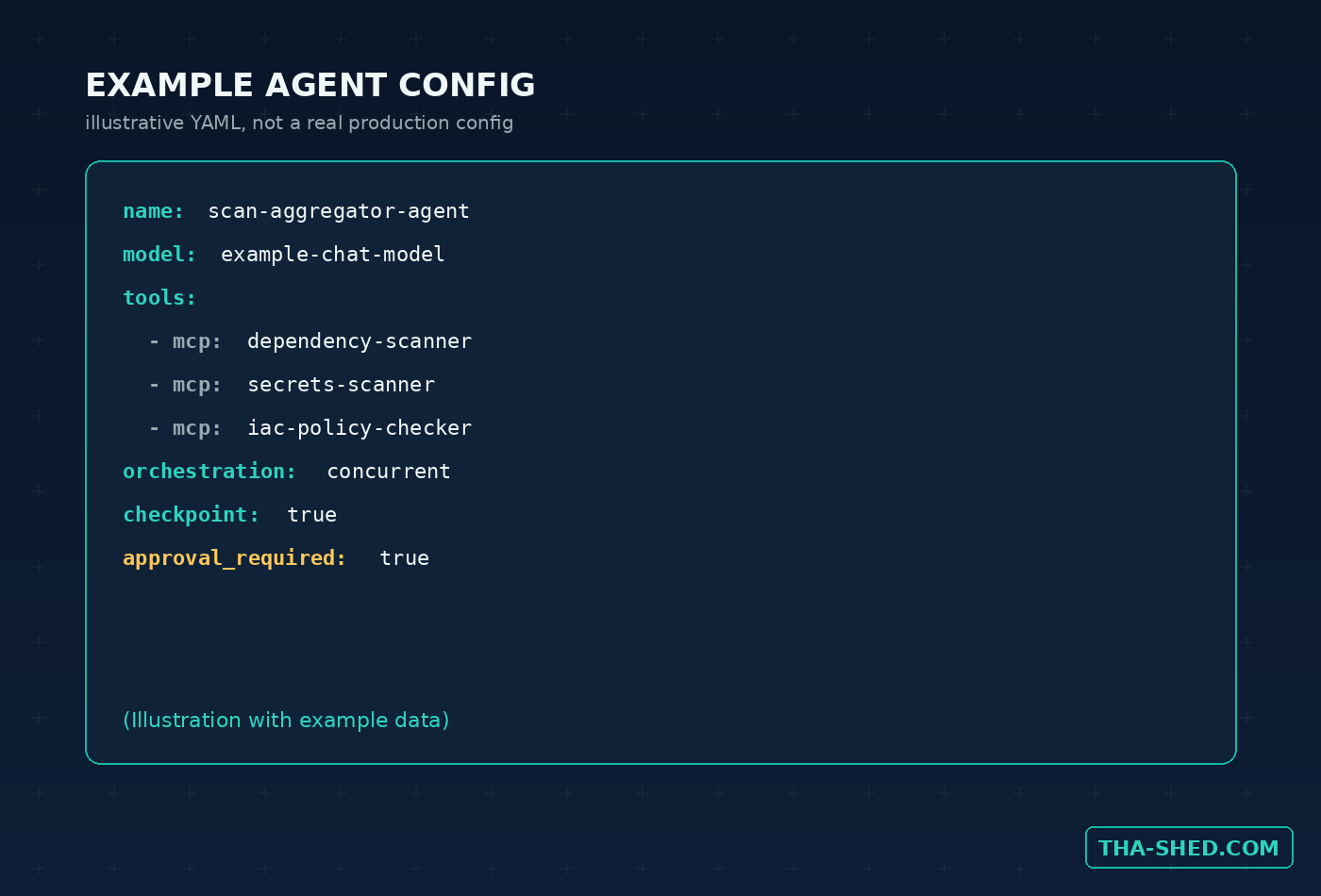
Run a dependency-vulnerability agent, a secrets-scanning agent, and an IaC policy agent at the same time using the concurrent pattern, then merge their findings into one prioritized report instead of three separate Slack pings.
3. Handoff-based incident triage
A first-line agent handles routine alerts and only hands off to a specialist agent, database, networking, or security, once severity or alert type crosses a defined threshold. This mirrors how a real on-call rotation escalates, without paging a human for the 80% of alerts that don’t need one.
4. Magentic-One postmortem drafting crew
Multiple agents representing different vantage points, the on-call engineer’s timeline, the metrics dashboard, the customer impact summary, debate and converge on a single incident postmortem draft. A human still edits and ships it, but the first draft stops being the bottleneck.
5. Human-in-the-loop infrastructure changes
Wire a checkpoint into any workflow that proposes a Terraform or Kubernetes change so it pauses and waits for explicit human approval before it executes anything. This is a first-class feature of the framework, not a bolt-on, use it for anything touching production.
6. Expose an internal workflow as an MCP tool
Take a workflow you’ve already built, say, the security scan aggregator from #2, and expose it as an MCP tool with one flag. Now your Claude or Copilot setup can call your internal automation directly instead of you copy-pasting results between tools.
7. YAML-defined agents in version control
Define an agent’s instructions, tools, memory configuration, and orchestration topology in a YAML file, commit it to your repo, and load it with a single API call. Code review for agent behavior changes becomes exactly like code review for everything else you ship.
If your team is also running crews in other frameworks, our CrewAI tutorial covers the same orchestration concepts from a different angle, and Agent Framework’s A2A protocol support means agents built in either can actually talk to each other.
Safety and gotchas
AutoGen is not gone, but it will not get new features again. If you’re mid-project on AutoGen, start planning your migration now rather than building more on a foundation that’s already frozen.
MCP tool integration expands your trust boundary. Every MCP server an agent can reach becomes part of what that agent can do on your behalf. Vet any MCP server before wiring it into a production workflow, the same way you’d vet a new dependency with filesystem or network access.
Never let an agent auto-approve its own destructive action. Human-in-the-loop checkpoints exist specifically so a Terraform apply, a database migration, or a production deploy waits for a person. Use them every time real infrastructure is at stake.
Turn on telemetry from day one. Multi-agent systems fail in ways that are hard to reconstruct after the fact, a trace of which agent said what and when is the difference between a five-minute fix and a lost afternoon. Microsoft’s separate, open source Agent Governance Toolkit is also worth a look if you need runtime guardrails on top of the framework itself.
Usage and cost tips
The framework itself costs nothing, it’s MIT licensed and free to use commercially. Your real bill is whatever model API you point it at: OpenAI, Azure OpenAI, or Azure AI Foundry if you want managed scaling. None of that is required to start, a single OpenAI API key gets your first agent running. Install agent-framework-core instead of the full meta-package while you’re prototyping with one provider, it keeps your dependency tree lighter. And prefer the functional workflow API, plain async Python with decorators, over the graph-based one early on, it’s less ceremony while you’re still figuring out your orchestration pattern.
FAQ
Is AutoGen dead?
Not dead, but frozen. AutoGen is community-managed and still gets critical fixes and security patches, but no new features. Microsoft’s guidance is to build new projects on Microsoft Agent Framework and migrate existing AutoGen projects over time.
Do I need Azure to use Microsoft Agent Framework?
No. It works directly with OpenAI’s API or any OpenAI-compatible model client. Azure AI Foundry integration exists for teams that want managed hosting and scaling, but it’s optional.
Can Agent Framework agents work with agents built in other frameworks, like CrewAI or LangGraph?
Yes, through A2A (Agent-to-Agent) protocol support for cross-runtime collaboration, and through MCP for tool-level integration. You’re not locked into a single vendor’s agents talking only to each other.
Try it this week
Pick one recurring multi-step task on your team, alert triage, a security scan roundup, release note drafting, and rebuild it as a two- or three-agent sequential workflow. You’ll have a working prototype before your next standup. For more on stacking agent orchestration with the rest of your AI toolkit, browse our courses.