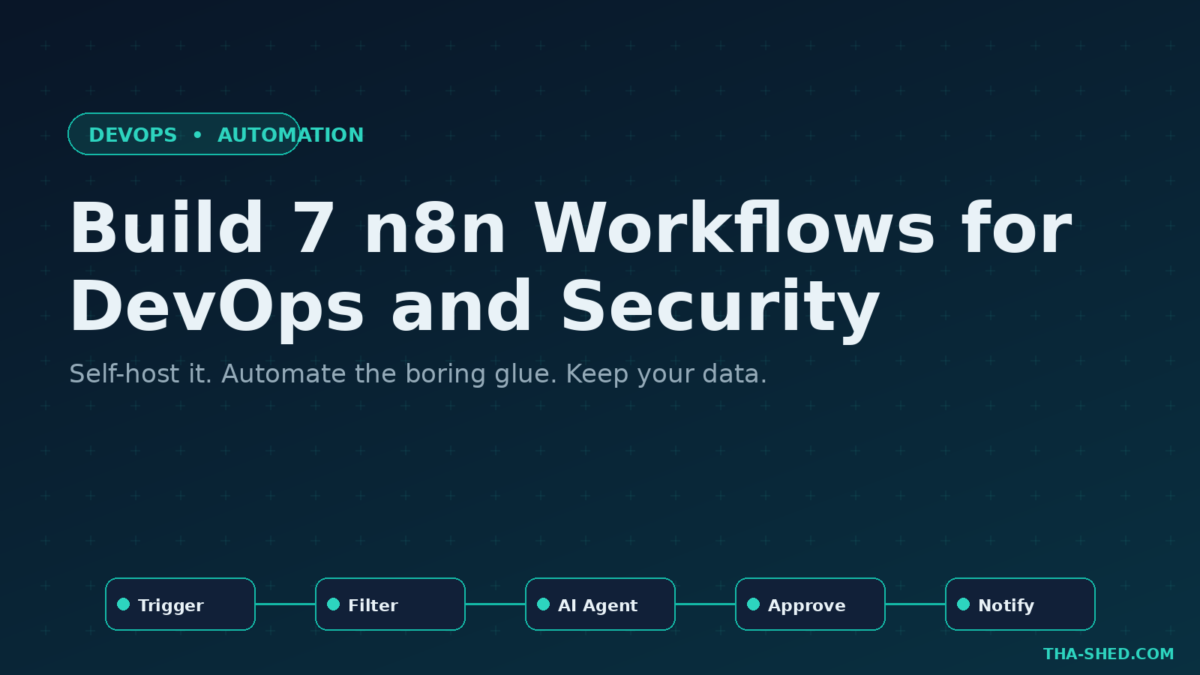
If you have ever wired three scripts, a cron job, and a Slack webhook together with duct tape and prayer, n8n is the tool you wish you had started with. It is a fair-code workflow automation platform that lets you connect 400+ services, run custom code, and orchestrate AI agents, all from a visual canvas you can self-host on your own box. For DevOps and security pros, that means automating the boring glue work without surrendering control of your data.
This is a practical n8n tutorial. We cover what it is, how to stand it up in minutes, the one principle that keeps your workflows sane, seven real workflows you can build this week, the gotchas that bite newcomers, and a few tips to keep your bill predictable.
What n8n actually is
n8n is a node-based automation engine. Every workflow is a chain of nodes: a trigger node kicks things off, action nodes do the work, and logic nodes branch, merge, and loop. Think Zapier or Make, but you can read the source, run it on your own infrastructure, and drop into raw JavaScript or Python whenever the visual nodes run out of road.
The part that matters most in 2026 is the native AI layer. n8n ships an AI Agent node built on LangChain, with sub-nodes for the language model, memory, and tools. You plug a model into the agent, hand it a few tool nodes, and it reasons about which tool to call. That turns n8n from a plumbing tool into an agent runtime, which is exactly why it shows up next to tools like Flowise and CrewAI in serious automation stacks.
Quick setup
You have two honest options. The fastest taste test is n8n Cloud: sign up for a free trial, no credit card, and you are building in a browser tab in under a minute. The setup that DevOps people actually want is self-hosted, and Docker is the recommended path.
Run the Community Edition with one command:
docker run -it --rm \
  --name n8n \
  -p 5678:5678 \
  -v n8n_data:/home/node/.n8n \
  docker.n8n.io/n8nio/n8n
The -p 5678:5678 flag exposes the editor at http://localhost:5678. The -v n8n_data:/home/node/.n8n volume keeps your workflows and credentials when the container restarts. Prefer npm? npx n8n gets you the same editor without Docker. For anything past a hobby project, move to Docker Compose with a Postgres database so upgrades stay a one-command affair. The Community Edition is free and runs unlimited executions, which is a serious gift for a homelab or an internal tooling team.
The one principle: one trigger, one job
The mistake every new n8n user makes is building a single mega-workflow that does nine things. Resist it. The platform bills and reasons in executions, where one execution is a single end-to-end run of a workflow no matter how many nodes it contains. So a clean mental model is one trigger, one job. Keep each workflow focused on a single outcome, then call sub-workflows with the Execute Sub-workflow node when you need to reuse logic. Your executions stay cheap, your error logs stay readable, and your future self can actually debug what broke at 2 a.m.
7 workflows worth building
1. Alert triage that does not page a human first
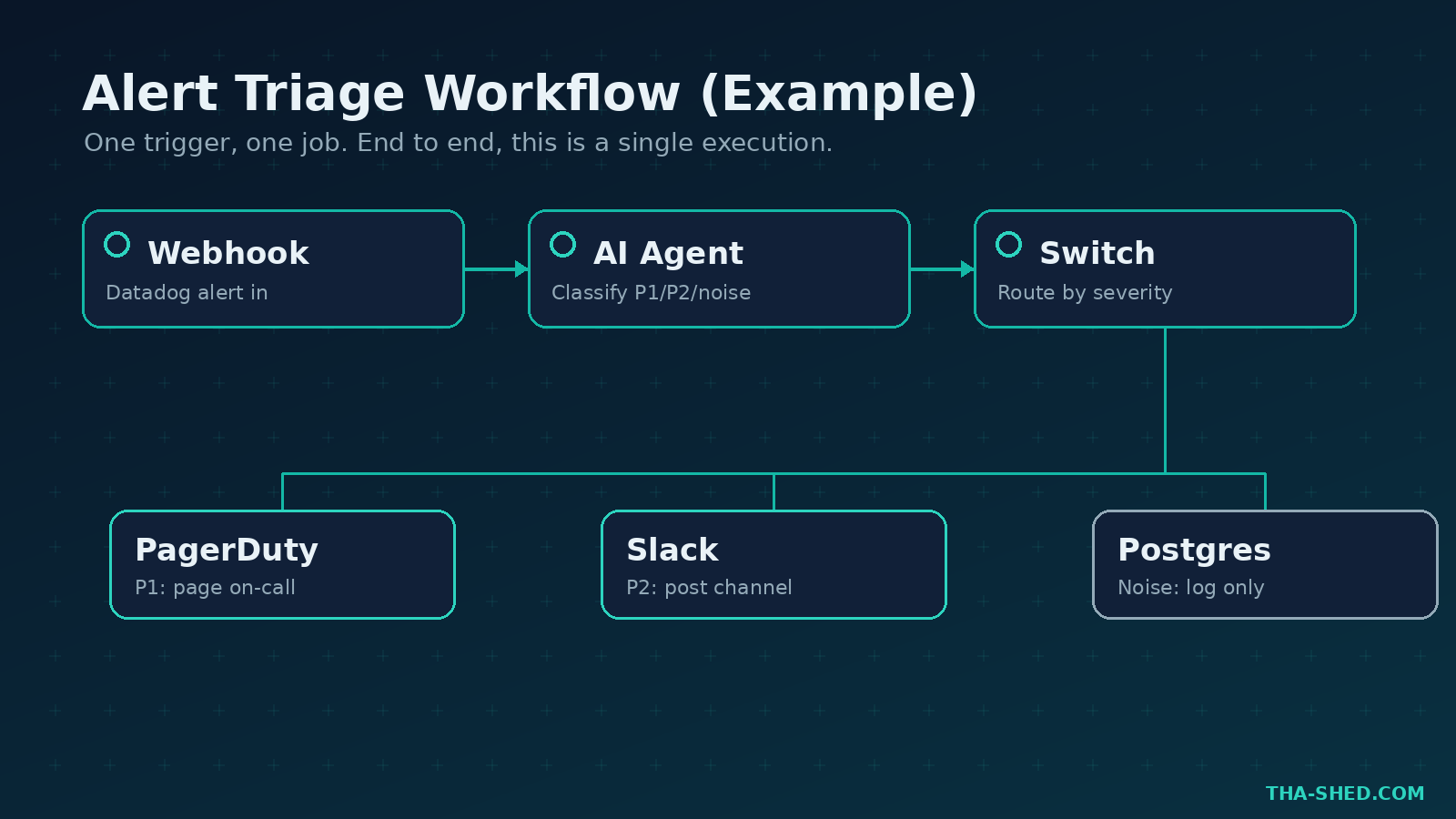
Trigger: a Webhook node receiving alerts from Datadog or Prometheus Alertmanager. Wire the payload into an AI Agent node with this system prompt:
You are an on-call triage assistant. Classify each alert as P1, P2, or noise. For P1, summarize the likely blast radius in two sentences and list the top three things to check. Output JSON only.
Route P1 results to PagerDuty, send P2 to a Slack channel, and silently log noise to a Postgres table for weekly tuning. You just took the 3 a.m. judgment call and made it consistent.
2. CVE digest from your stack
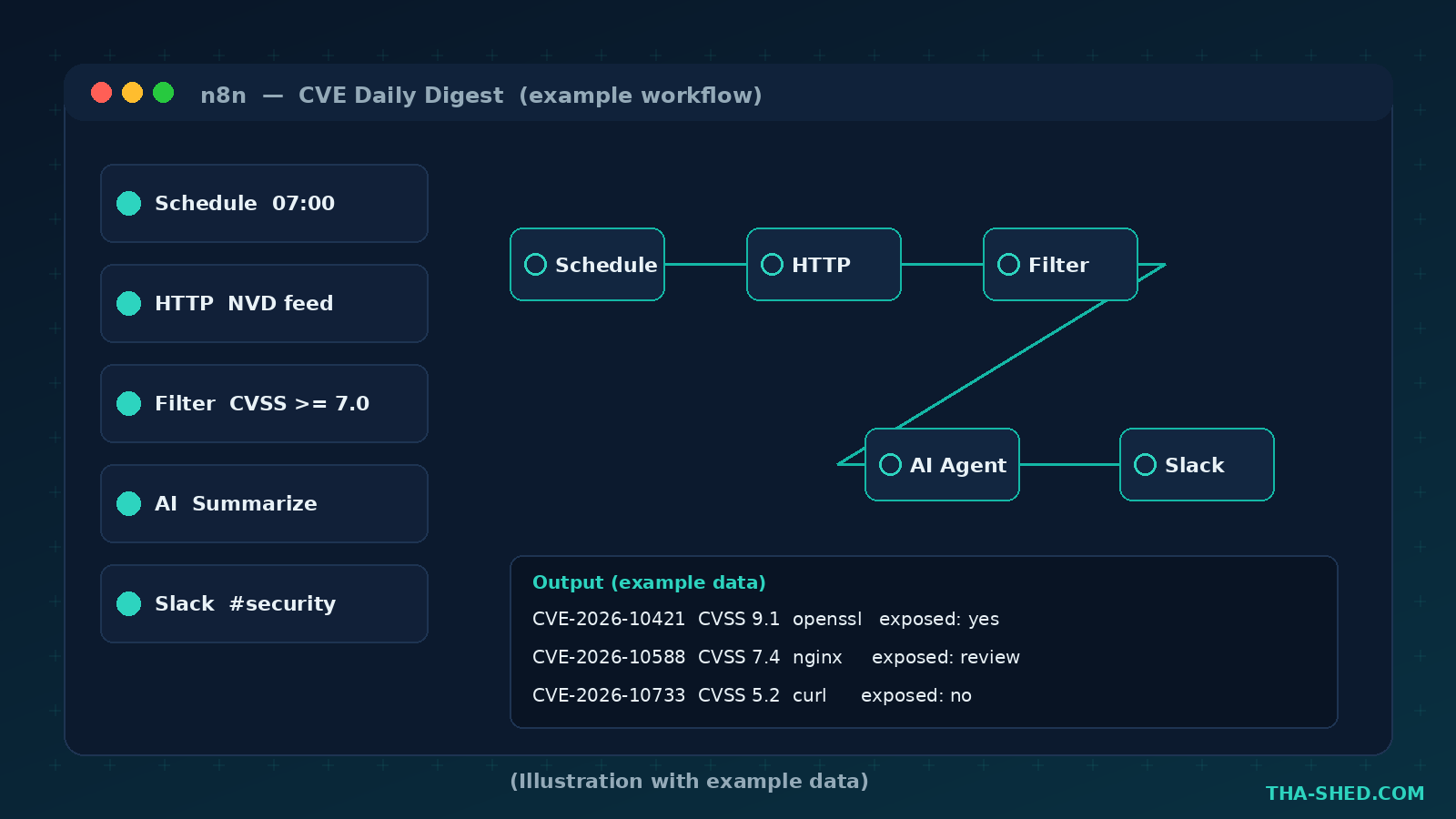
Trigger: a Schedule node at 7 a.m. daily. Use an HTTP Request node to pull from the NVD feed or your scanner’s API, filter for the CVSS range you care about with a Filter node, then let an AI node write a plain-English summary. Prompt:
Summarize these CVEs for a DevOps team. For each, give the affected package, the severity, and one sentence on whether we are exposed given that we run Kubernetes 1.31 and Nginx. Skip anything we do not run.
Post the digest to Slack. Nobody reads the raw feed anyway.
3. Pull request guard
Trigger: a GitHub Trigger node on the pull_request event. Pass the diff to an AI Agent node configured as a security reviewer that flags hardcoded secrets, risky shell calls, and missing input validation. Have it post a review comment back through the GitHub node. This does not replace human review, it just makes sure the obvious stuff never reaches a tired reviewer.
4. Self-service access requests
Trigger: a Slack slash command hitting a Webhook node. The workflow parses the request, checks the user against an allowlist in a Data Table, and for low-risk scopes auto-approves and logs to your SIEM. Anything sensitive routes to a manager approval step using a Wait node that pauses the run until someone clicks approve. Access requests stop living in someone’s DMs.
5. Log-to-ticket enrichment
Trigger: a Webhook from your log pipeline on a repeated error signature. The workflow groups occurrences, queries your runbook store, and opens a Jira ticket pre-filled with the stack trace, the likely owner from CODEOWNERS, and a suggested first step. Engineers wake up to a ticket that already did the boring part.
6. Infra drift notifier
Trigger: a Schedule node every six hours. Run terraform plan through an SSH or Execute Command node on a runner, parse the output, and if the plan shows unexpected changes, fire a Slack alert with the resource names. Catching drift before it becomes an incident is the whole game.
7. Internal knowledge bot with RAG
Trigger: a Chat Trigger node. Embed your runbooks and architecture docs into a vector store node, connect it to an AI Agent node as a tool, and let engineers ask questions in plain language. The agent retrieves the relevant doc, cites it, and answers. New hires stop pinging the same three senior engineers.
Safety and gotchas
A few things will save you grief. First, credentials are encrypted at rest, but anyone with editor access to your instance can use them in a workflow, so lock down who gets in and use role-based access on paid tiers. Second, an exposed webhook is a public endpoint, so add header authentication and validate payloads before you trust them. Third, the AI Agent node will happily call tools with whatever the model decides, so never give an agent a tool that can delete production data without a human approval step in between. Fourth, treat self-hosted n8n like any other internet-facing service: put it behind a reverse proxy with TLS, keep it patched, and do not run it as root. Agentic automation is powerful precisely because it acts on your behalf, which is also exactly why a careless workflow can act against you.
Usage and cost tips
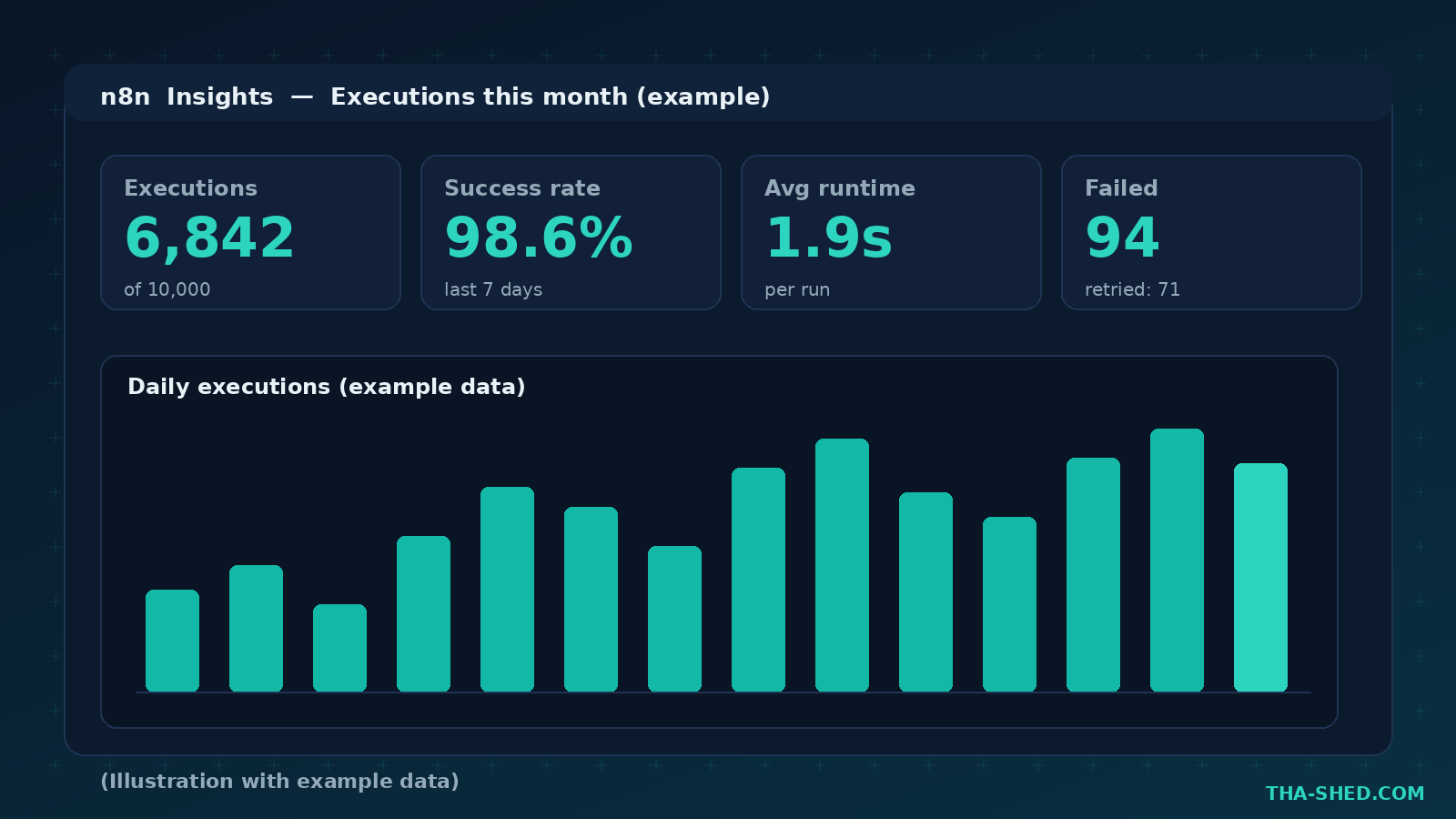
n8n bills on executions, not on steps or tasks, which is a real advantage. A fifty-node workflow and a two-node workflow each cost exactly one execution per run. The annual cloud tiers run roughly 20€ per month for Starter (2,500 executions, 5 concurrent runs), 50€ per month for Pro (10,000 executions, 20 concurrent, seven days of insights), and 667€ per month for Business (40,000 executions, SSO, Git version control, and dev or prod environments). Enterprise is custom. To keep costs flat, batch where you can: a workflow that processes 500 records in a single run still burns one execution, so favor bulk operations over per-item triggers. If you are price sensitive or privacy focused, the free self-hosted Community Edition gives you unlimited executions, and teams under 20 people should check the Start-up plan for 50 percent off Business.
FAQ
Is n8n really free?
The self-hosted Community Edition is free and open under a fair-code license, with unlimited executions and the full node catalog. You pay only for managed cloud hosting or for enterprise features like SSO, audit logging, and dedicated support. For most homelabs and internal teams, free is genuinely free.
Do I need to know how to code?
No, but it helps. You can build a lot with visual nodes alone. When you hit the limits, the Code node lets you drop into JavaScript or Python, and the HTTP Request node lets you call any API that lacks a prebuilt integration. n8n rewards people who can read a little code without requiring it.
How is n8n different from Zapier or Make?
Three ways. You can self-host it, so your data never leaves your network. It bills per execution rather than per task, which gets cheaper as your workflows grow more complex. And its AI layer is genuinely native, with LangChain-based agent nodes rather than a bolted-on AI action. For technical teams, those three differences usually decide it.
Start building
The fastest way to learn n8n is to automate one annoying thing you do by hand this week. Pick the alert triage workflow or the CVE digest, give yourself an hour, and ship it. Then chain the next one. If you want a structured path into the DevOps and security skills that make these workflows pay off, take a look at our courses and keep building in the open. Automate the boring stuff, and spend your brain on the work that actually needs it.